•
IT Services
•
Automate Accounts Receivable
•
Collections
•
Reduce DSO
•
Accounting
May 25, 2026
How MSPs Automate Invoice Collection: The Complete Guide to PSA-Integrated Billing Software
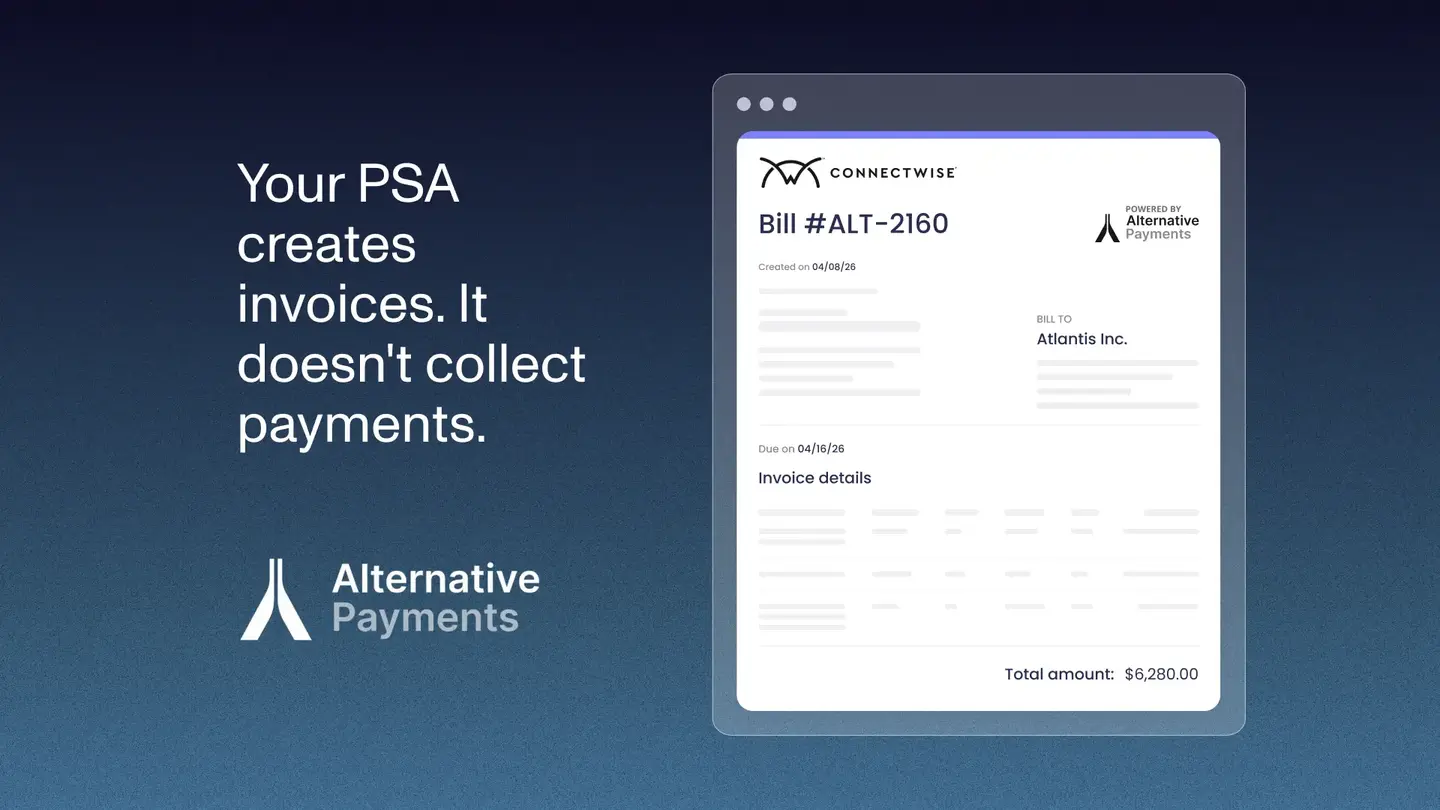
Your PSA creates invoices. It does not collect payments.
That gap between invoice generated and payment reconciled is where most MSP billing stacks break down. This guide shows you how to connect payments to invoicing and PSA tools in a way that closes the full loop, from invoice creation through payment collected and reconciled in your accounting system, without manual steps in between.
The Problem with Disconnected MSP Billing Systems
An MSP billing stack that is not fully connected looks like this: ConnectWise or Autotask generates the invoice. A separate payment processor accepts the payment. The MSP's billing team exports CSVs, matches deposits to invoices by hand, and manually updates payment status in the PSA. QuickBooks or Xero gets updated at month end after someone reconciles the bank feed against the invoice list.
That manual middle is where errors accumulate, where hours disappear, and where cash flow visibility breaks down. It is also the norm for MSPs that have not connected their stack with a native integration layer.
According to the Association for Financial Professionals (2024), 78% of finance teams spend eight or more hours per week on manual reconciliation. For a lean MSP finance operation, that number represents a significant portion of a billing team's total available hours.
What a Connected MSP Payment Stack Actually Looks Like
A connected stack has three components that share data natively, without middleware or manual handoffs between them.
Component 1: PSA (invoice source)
ConnectWise, Autotask, or HaloPSA generates invoices from agreements, time entries, and project milestones. This is the source of truth for what the client owes and when it is due.
Component 2: Payment platform (collection and communication layer)
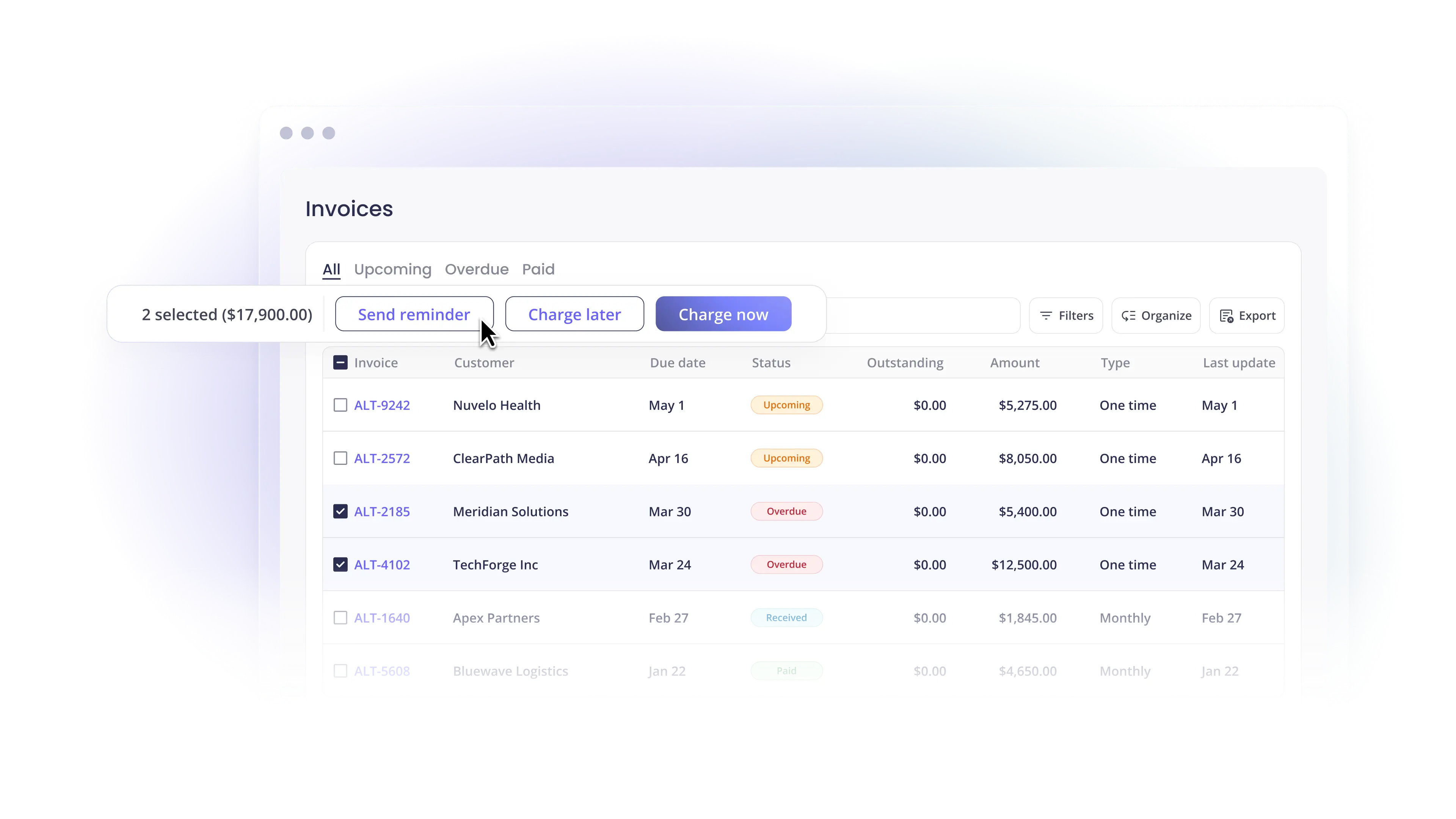
A purpose-built payment platform pulls invoices from the PSA natively, presents them to clients through a branded portal, collects payment via ACH or card, and pushes payment status back to the PSA in real time. It also runs automated reminders for overdue invoices without manual initiation.
Component 3: Accounting software (GL and reconciliation)
QuickBooks Online, QuickBooks Desktop, or Xero receives payment data automatically from the payment platform, with each payment mapped to the originating invoice and posted to the correct GL accounts. Month-end reconciliation becomes a verification step rather than an assembly task.
When all three components are connected natively, the billing lifecycle runs without manual intervention: invoice created in PSA → pushed to payment platform → client pays → payment posted to PSA → reconciliation posted to accounting. Each handoff is automatic.
PSA-Specific Connection Guides
Connecting Payments to ConnectWise
ConnectWise has a robust agreement engine for managing recurring contracts, time and materials billing, and milestone invoices. A native payment integration with ConnectWise pulls invoice data bidirectionally: invoices created in ConnectWise push to the payment platform automatically, and payment confirmations push back to update the invoice status in ConnectWise without manual entry.
The key capability to verify before selecting a payment platform: does the integration sync at the invoice level, or only at the batch or total level? Batch-level sync means deposits arrive in QuickBooks as lump sums that still require manual matching. Invoice-level sync means every payment maps to the originating invoice automatically.
Alternative Payments integrates natively with ConnectWise and syncs bidirectionally at the invoice level. Read more about the full ConnectWise integration and how it changes MSP operations.
Connecting Payments to Autotask
Autotask (Kaseya) handles contract management and invoice generation for MSPs inside the Kaseya IT Complete ecosystem. Its native billing capabilities cover invoice creation but do not extend to automated collection, reminder sequences, or GL reconciliation. A payment platform with native Autotask integration fills those gaps.
For Autotask users, the same question applies: does the payment integration sync invoice data bidirectionally, or does it require CSV export and manual re-entry? The answer determines whether the integration actually closes the billing loop or just adds another portal to the stack.
Alternative Payments integrates natively with Autotask. Invoice data pulls in automatically, payment status pushes back to Autotask in real time, and reconciliation posts to QuickBooks or Xero without manual intervention.
Connecting Payments to HaloPSA
HaloPSA has grown as a third major PSA option, particularly for MSPs that find ConnectWise and Autotask too rigid for their data model. It offers native integrations with QuickBooks and a flexible API for external connections.
HaloPSA payment integration requires attention to one specific configuration detail: if the native QuickBooks Online sync is active when a third-party payment platform connects, both syncs can run simultaneously and create duplicate invoice data in QuickBooks. Disable the native QBO sync before connecting a dedicated payment platform to avoid this conflict.
Alternative Payments integrates natively with HaloPSA. The setup documentation covers the QBO sync conflict and how to configure agreement subtypes so invoices sync automatically into the payment platform. Read the full HaloPSA integration guide for step-by-step setup.
Connecting Payments to QuickBooks
QuickBooks Online is the most common accounting destination for MSP payment data. The integration between a payment platform and QuickBooks determines whether reconciliation happens automatically or requires manual matching at month end.
What full auto-reconciliation to QuickBooks looks like in practice: when a client pays through the payment portal, the payment maps to the originating invoice, QuickBooks marks the invoice as paid, the bank deposit posts to the correct account, and fee amounts (ACH or card processing fees) are separated and posted to the appropriate GL account. All of this happens without anyone on your team touching QuickBooks.
Partial integration, by contrast, posts a lump-sum deposit to QuickBooks that represents multiple client payments. Someone on your team then matches the deposit to individual invoices by hand. This is the most common source of month-end reconciliation work for MSPs using generic processors.
Alternative Payments reconciles to QuickBooks Online, QuickBooks Desktop, and Xero at the invoice level. The setup guide covers chart of accounts mapping and how to verify reconciliation accuracy on the first billing cycle before relying on it fully.
The Full Lifecycle: Invoice to Reconciled Cash
Here is what a fully connected MSP billing stack delivers at each stage of the billing lifecycle:
- Invoice creation. Agreement terms in ConnectWise or Autotask generate invoices automatically on the billing cycle. No manual invoice assembly.
- Invoice delivery. Invoices push to the payment platform and are delivered to clients through a branded portal. Automated reminders follow on a configurable schedule before and after the due date.
- Payment collection. Clients pay via ACH, card, or financing through the portal. Auto pay charges stored payment methods on the due date for enrolled clients. No manual collection step.
- PSA update. Payment status pushes back to ConnectWise or Autotask in real time. Invoice status updates without manual entry.
- GL reconciliation. Payment data posts to QuickBooks or Xero automatically with invoice-level detail, fee separation, and correct GL mapping. Month-end reconciliation becomes a verification step.
- Reporting. DSO, collection rates, and aging AR surface in the payment platform dashboard without manual assembly.
When each stage hands off to the next automatically, the billing operation runs without manual intervention. The finance team handles exceptions, not routine reconciliation.
How to Get Started
The fastest path to a connected MSP billing stack:
- Identify your PSA. ConnectWise, Autotask, or HaloPSA. Confirm the payment platform you evaluate has a native, bidirectional integration with it.
- Confirm reconciliation depth. Ask whether payment data posts to QuickBooks at the invoice level or at the deposit level. Invoice-level is the requirement.
- Pilot with 5 to 10 clients. Run two full billing cycles before expanding. Verify that invoice status updates correctly in the PSA and that reconciliation posts accurately to QuickBooks.
- Expand and measure. Track DSO, manual hours, and overdue invoice rate weekly for 90 days after full rollout.
Book a demo to see how Alternative Payments connects to your specific PSA and accounting stack, and walk through the full invoice-to-reconciliation lifecycle on your configuration.
Simplify your customer payments, unlock instant cash flow
Keep reading


ChatGPT for accounting vs. connected financial intelligence: Accurate live data is the difference-maker

Autotask QuickBooks integration: choosing a billing and payment operating model