For you and your customers
One Accounts Receivable standard for you and your clients
Alternative Payments gives accounting firms a single, firm-led Accounts Receivable workflow that works for both sides. You get control, consistency, and a cleaner book. Your clients get a simpler way to pay and stay current.
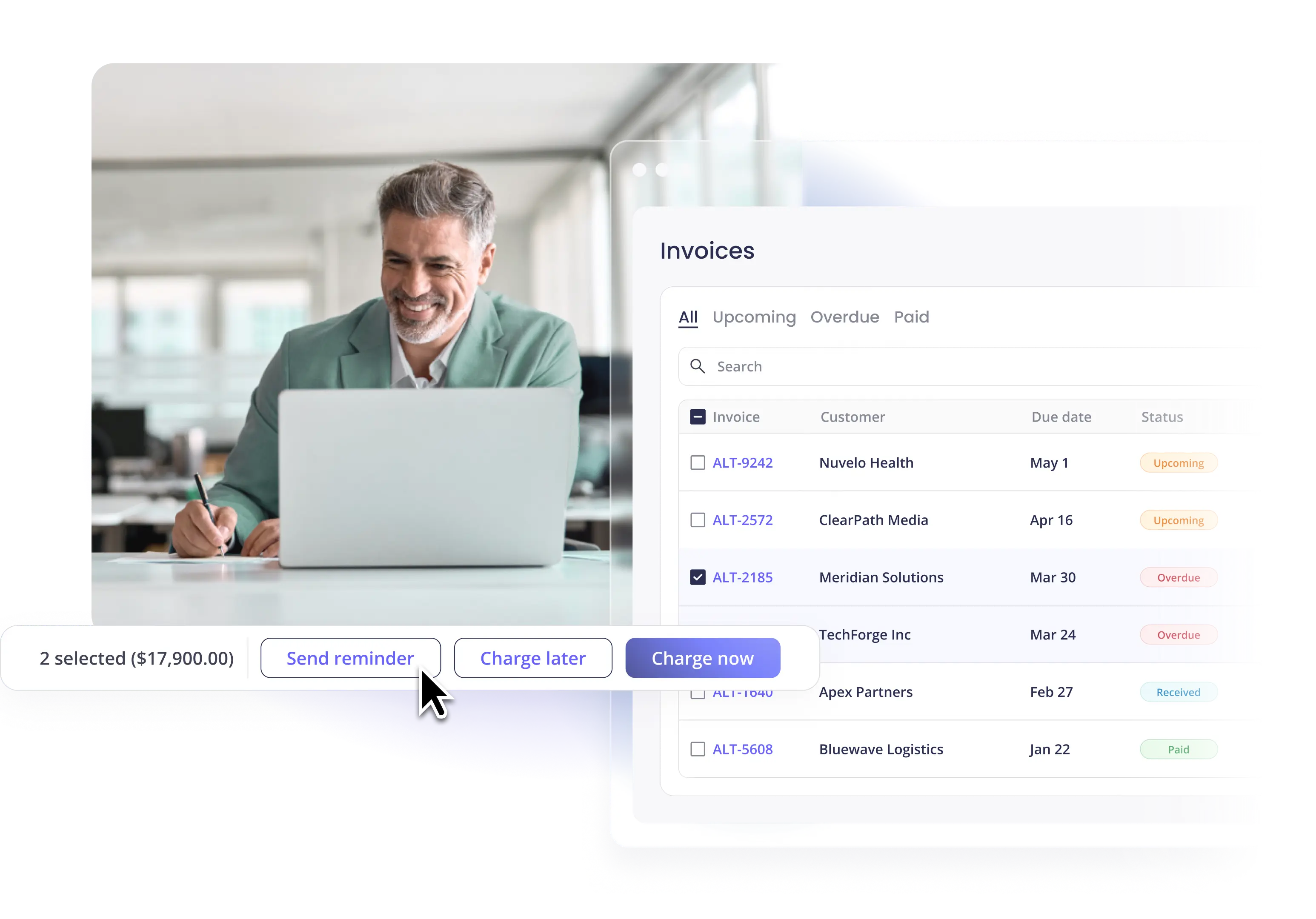
Trusted by 1,000+ service businesses nationwide








Built for firms. Adopted by clients.
Most Accounts Receivable tools optimize for either the firm or the client. Alternative Payments is the system both sides actually use. Firms set the rules, the cadence, and the integrations. Clients pay in a portal that feels designed for them. Everything posts back to your accounting software automatically.
Most Accounts Receivable tools optimize for either the accounting firm or the client. Alternative Payments is different. It is a firm-controlled Accounts Receivable operating standard, designed to work for both sides of the relationship at once.
One Accounts Receivable workflow across your entire book. Your team learns one system, not twelve.
Automated reminders and clear escalation paths keep clients paying on time. No more chasing.
When firm and client share one system, collections accelerate, past-dues shrink, and month-end isn't a fire drill.
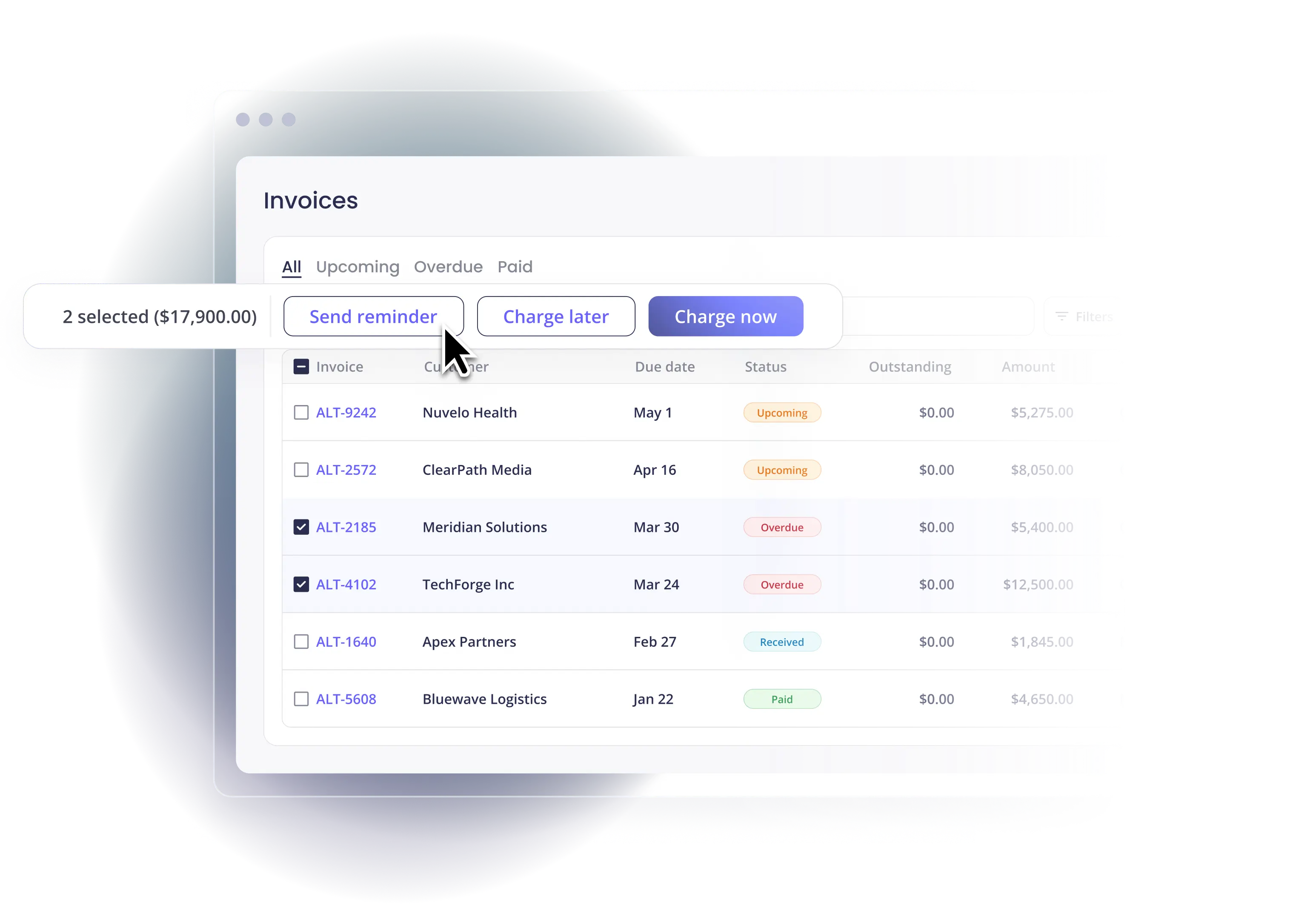
Shared Accounts Receivable workflows. Cleaner outcomes.
Every step lives in one system. The firm sets up invoices, reminders, and Auto-Pay rules. The client receives, reviews, and pays from the same workflow your team works in. Nothing lives in email. Nothing lives in a shared inbox nobody owns. Reconciliation posts back to your accounting software automatically, so month-end starts with clean data.
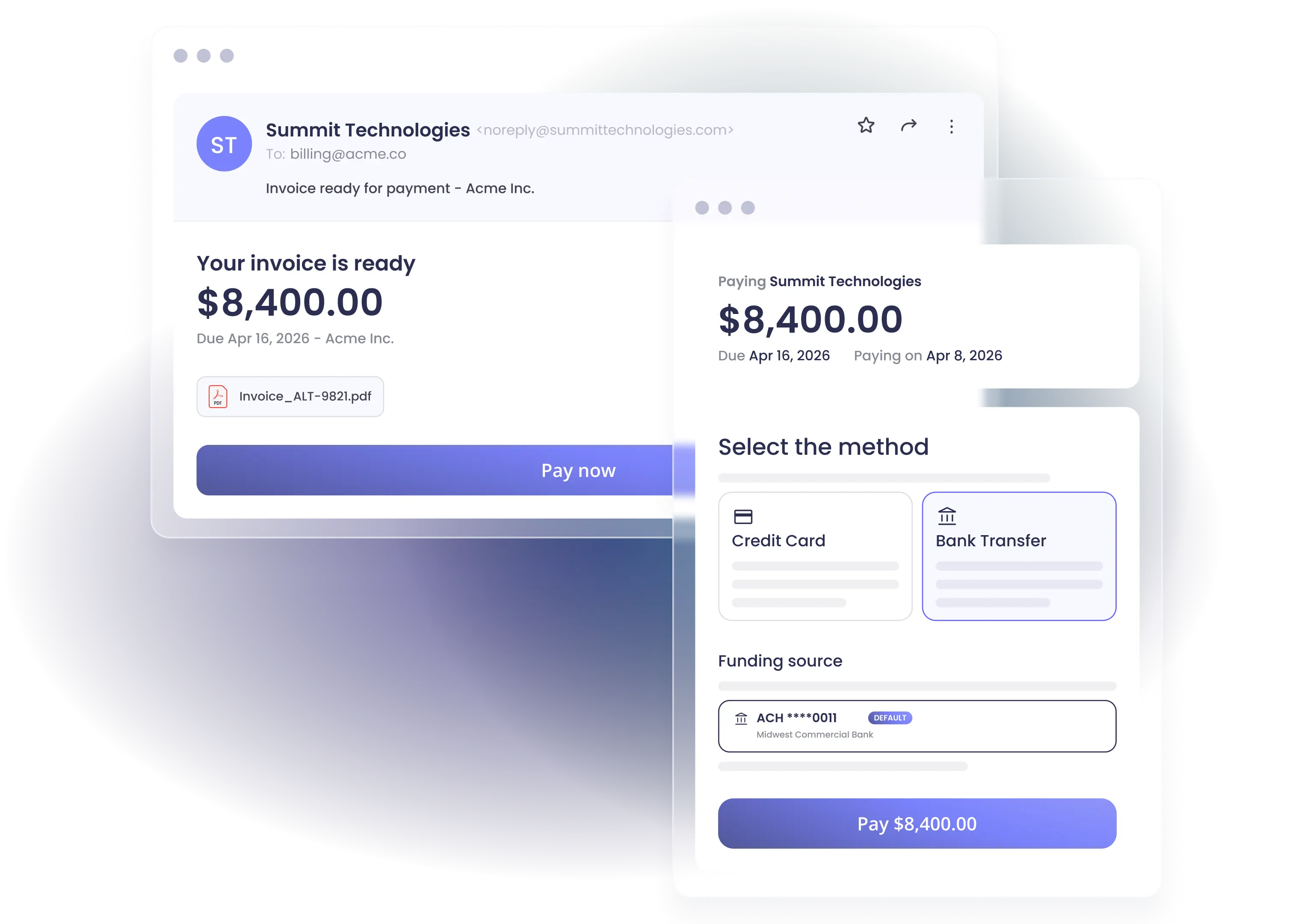
Reduce the cost of getting paid
Most firms and their clients quietly carry credit card processing costs they don't have to. Alternative Payments supports surcharging and ACH conversion directly in the payment portal, where regulations allow. Clients shift toward lower-cost payment methods over time. The savings post back to the books automatically, with no manual journal entries.
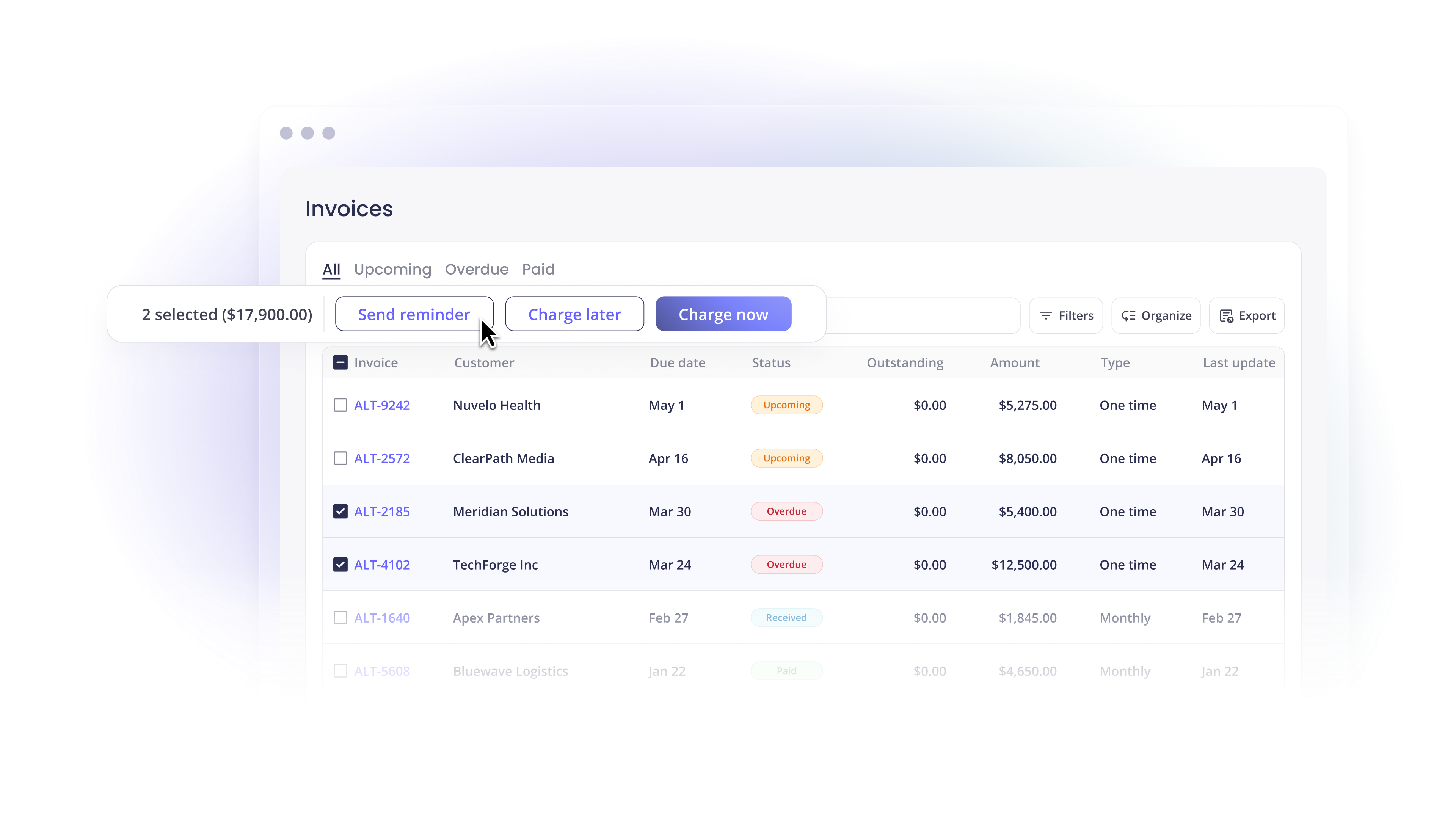
When reminders don't work, Collections Assist does
Auto-Pay keeps most clients current without your team lifting a finger. Invoices collect on a schedule you set, from the payment method the client has on file. For overdue invoices, we contact the client directly on your behalf. No manual follow-ups or awkward conversations. The invoice gets paid, or it moves to formal collections with the relationship intact.
Partnered with leading accounting organizations

Frequently Asked Questions
Most firms still collect through a mix of checks, ACH transfers initiated by the client, and one-off card payments captured manually. The pattern creates two problems. Payments arrive late because there is no enforced cadence, and reconciliation falls on the firm because each method posts back differently. The fix is a single workflow that handles invoicing, payment collection, and posting back to accounting in one motion.
By making the collection workflow automatic. Send invoices the day the work closes. Set reminders on a fixed cadence. Put recurring clients on Auto-Pay. When standard outreach is not enough, Collections Assist contacts the client directly on your behalf. Our team works alongside yours to move clients onto these rails, which is where most of the time savings come from.
ACH for recurring engagements and larger invoices. Card for one-off project work and smaller payments. Bank transfer for the clients who prefer it. Offering all three in one portal increases on-time payment because clients pay the way they actually want.
Two ways. It removes the awkward part of the relationship, since reminders and follow-ups run on a system instead of a partner's calendar. And it gives both sides one place to see invoice status, payment history, and remittance information, so the conversation moves from "did you get my email" to actual advisory work.
Yes. We integrate natively with QuickBooks Online, QuickBooks Desktop, Xero, Sage Intacct, Freshbooks, Zoho Books, Microsoft Dynamics 365, and Microsoft Dynamics 365 Business Central. Invoices pull through. Payments post back. Reconciliation runs in the background.
Keep reading
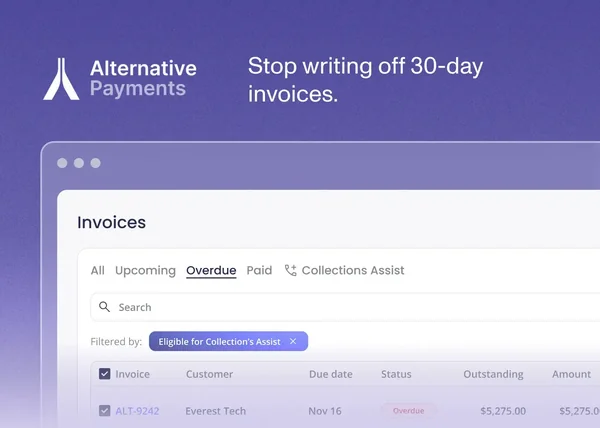

When to Write Off an Unpaid Invoice (and Everything to Try First)
Best Accounts Payable Software for MSP Companies: What to Know First
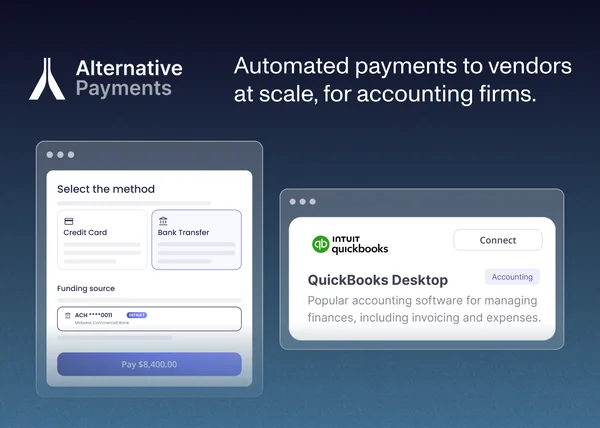
QuickBooks Desktop ACH Payments to Vendors: Which Is Right for Your Firm?

One Accounts Receivable standard. Adopted across your firm and your clients.
Join accounting firms already billing, collecting, and reconciling on one platform.