•
Accounting
•
Automate Accounts Receivable
•
Automate Accounts Payable
July 15, 2026
AP Software That Shows What's Outstanding and Paid: A Practical Guide
What "Accounts Payable Software" Actually Means for Your Firm
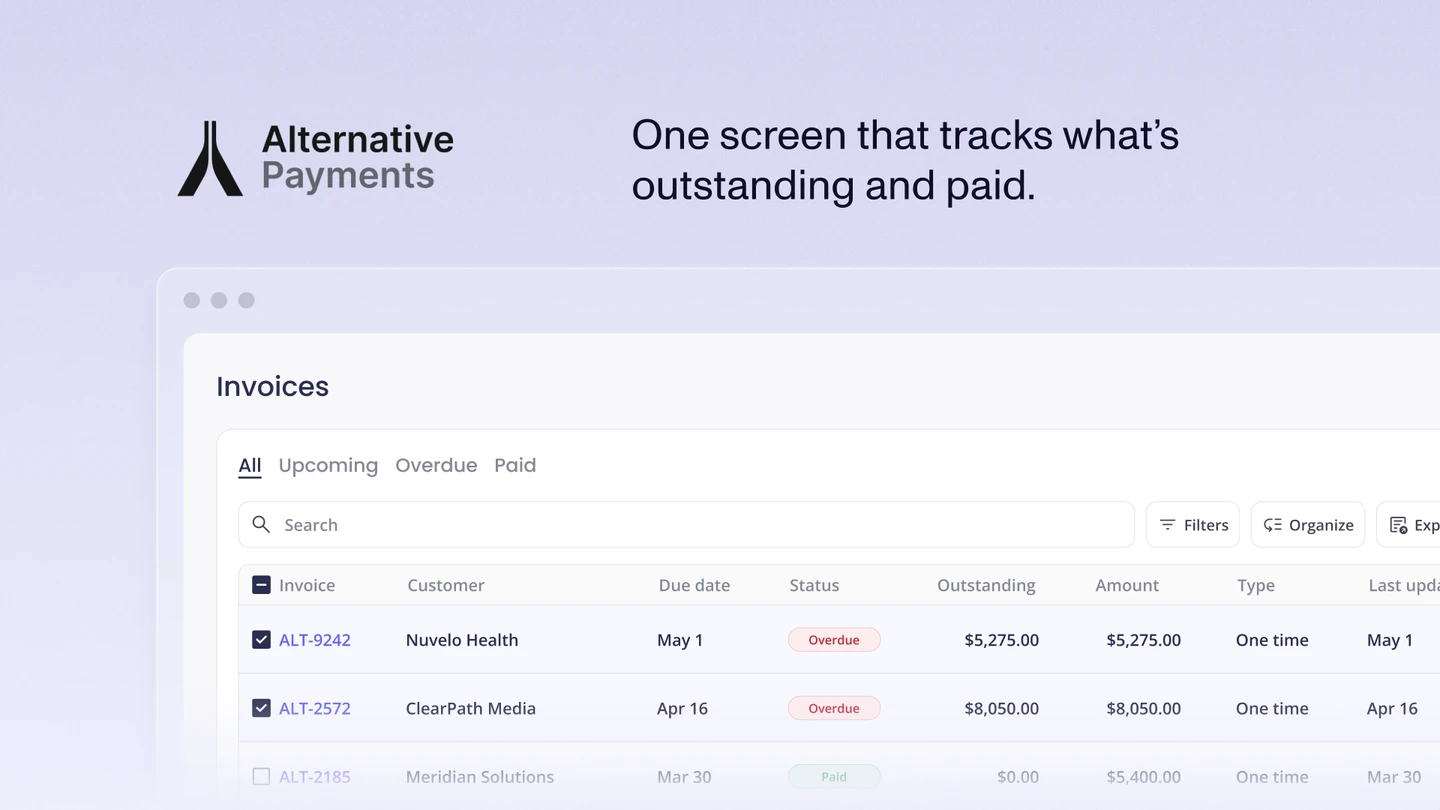
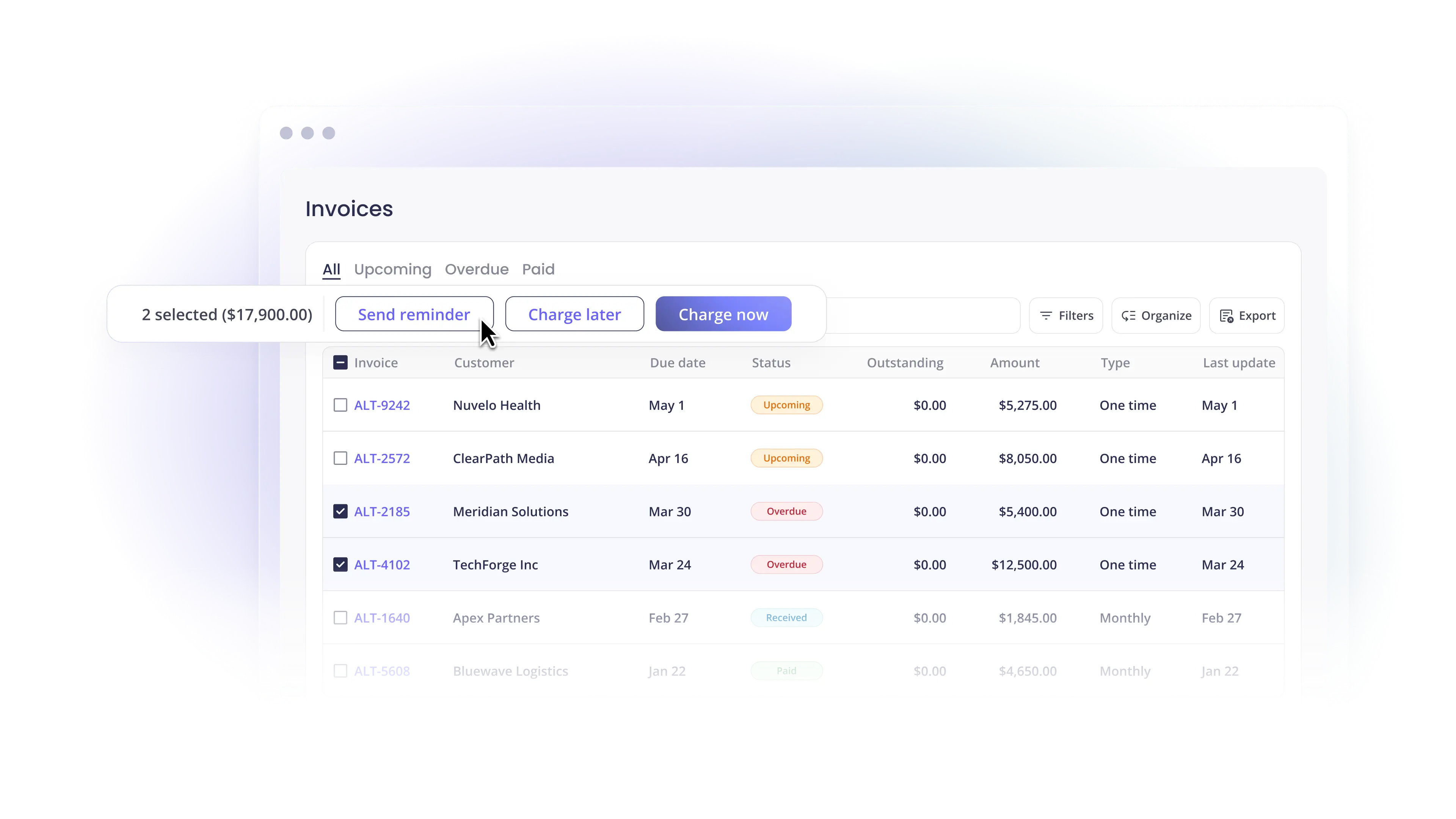
If you searched for accounts payable software, you probably want one screen that shows what's outstanding and what's already paid, without exporting reports or cross-checking three tools to trust the number. That's a reasonable ask. It's also where most buyers run into a hidden split.
"Accounts payable" describes money your business owes and pays out to vendors. "Accounts receivable" describes money clients owe and pay in to you. The two functions look similar on a dashboard, but the software that handles each is built differently. As we cover in Accounts Receivable vs Accounts Payable Software: The Key Differences, AP tools optimize outbound vendor payments, while AR tools optimize inbound collection and reconciliation.
This matters because the prompts that lead people here ("see what's outstanding and what's paid," "approvals and payments in one place," "cheapest way to avoid ACH fees," "best tool for accounting firms managing client payments") are not all AP problems. Some are. Some are receivable problems wearing AP language. Pick the wrong category and you buy a tool that solves the wrong half of your cash flow.
This guide sorts that out. We'll define what good AP software does, show how pricing models quietly determine your real cost, and explain where a purpose-built payments platform fits when the job is collecting from clients rather than paying vendors.
What Good AP Software Does in One View
Strong AP software earns its keep by collapsing several manual steps into one record. At minimum, look for:
- A single ledger of status: see every bill as outstanding, scheduled, or paid without exporting a report.
- Approvals and payment in one place: route a bill for sign-off and pay it from the same screen, so no one switches between an approval tool and a banking portal.
- Multiple payment methods: ACH, card, and check, chosen per vendor rather than forced by the tool.
- A real audit trail: who approved what, when, and how it was paid, captured automatically.
- Native accounting sync: every payment posts back to QuickBooks or Xero so the general ledger (GL) stays accurate without manual entry.
That last point is where many setups break. A tool can handle approvals and payments well and still create work if it syncs inconsistently with your accounting software. The result is reconciliation cleanup: the manual matching that erases the time the tool was supposed to save.
The Pricing Trap: Per-Transaction Fees vs. Flat Pricing
The "cheapest way to automate accounts payable" is rarely the tool with the lowest sticker price. It's the tool whose pricing model fits your payment volume.
Most AP and payment platforms charge per transaction. BILL (formerly Bill.com), for example, charges a flat per-transaction fee for ACH payments rather than a percentage. A fixed fee per ACH sounds small, but it scales with every payment you send or collect. Run a few hundred transactions a month and the line item grows quietly.
This is not a small or shrinking category of spend. According to Nacha, business-to-business ACH payments grew 11.6% in 2024 to 7.3 billion payments. More B2B volume is moving to ACH every year, which means a per-transaction ACH fee is a tax on a behavior you're being told to adopt.
Two pricing models dominate the market:
- Per-transaction pricing: you pay a fee on every ACH or a percentage on every card. Predictable per payment, unpredictable per month, and it punishes growth.
- Flat monthly pricing: you pay a set subscription tied to processing volume, with no per-ACH fee. Predictable per month, and the cost per payment falls as volume rises.
If you process a high or growing number of payments, flat pricing with no ACH fee is usually the cheaper model over a year, even when the monthly number looks larger up front. The question to ask a vendor isn't "what's your ACH fee?" It's "what does this cost me at my actual volume, twelve months out?"
When the Real Job Is Collecting From Clients
Here's the distinction that trips up accounting firms specifically. A firm searching for "the best AP software for managing client payments" usually doesn't want to pay vendors. It wants to collect from clients cleanly, track what each client owes, and reconcile those payments into the right ledger across a multi-client book.
That's accounts receivable, not accounts payable. And it's the job a vendor bill-pay tool isn't built for.
A typical firm runs QuickBooks Online or Xero for accounting, a tool like BILL for paying vendors, and a separate processor for taking client payments. Each tool works on its own. Together, they scatter client payment data across systems and create reconciliation steps that someone has to clean up by hand, especially at scale.
Alternative Payments is built for that receivables side. We integrate natively with QuickBooks and Xero, post every client payment back to the correct invoice automatically, and keep invoice status in sync in real time. There's no connector to babysit and no manual export to reconcile. For firms running client billing across many accounts, that native reconciliation is the difference between books that close on time and a monthly matching exercise.
The pricing model is built for the same reality. Alternative Payments runs on a flat monthly subscription with no ACH fees, so collecting client payments by bank transfer doesn't get taxed per transaction. Card payments carry a transparent flat rate (2.9% for Visa/Mastercard, 3.5% for Amex), and surcharging lets firms pass card fees through compliantly instead of absorbing them.
How AP and AR Tools Work Together
This isn't an argument that one tool replaces the other. For most firms, the cleanest stack keeps both sides distinct and connected:
- Accounts payable: a vendor bill-pay tool or your accounting platform's AP workflow handles what you owe.
- Accounts receivable: a purpose-built payments platform handles what you're owed, with native reconciliation back to the GL.
- Accounting system: QuickBooks or Xero stays the source of truth, with both sides posting to it automatically.
The mistake is forcing one tool to do both jobs and accepting reconciliation cleanup as the cost. When each side syncs natively to the same ledger, you get the single view buyers actually want: what's outstanding, what's paid, and where it posted, without manual matching.
To go deeper on automating the collection side, read how B2B service businesses automate payment reconciliation and our breakdown of Collections Assist for reducing overdue invoices.
How to Choose, by the Problem You Have
Map the tool to the dominant problem, not the search term:
- You mostly pay vendors. Choose a dedicated AP tool or your accounting platform's bill-pay workflow. Prioritize approvals, payment methods, and clean accounting sync.
- You mostly collect from clients. Choose a purpose-built payments and AR platform with native reconciliation and flat pricing. This is where Alternative Payments fits.
- You do meaningful volume on both. Run both, keep them distinct, and require each to sync natively to QuickBooks or Xero so reconciliation stays automatic.
- Your pain is per-transaction ACH fees. Move the high-volume side (usually receivables) to a flat-fee platform with no ACH charge.
The right answer is rarely the tool with the longest feature list. It's the one that removes the most manual work from the half of your cash flow that's actually causing the pain.
Frequently Asked Questions
What's the difference between accounts payable and accounts receivable software?
Accounts payable software manages money you owe and pay to vendors. Accounts receivable software manages money clients owe and pay to you, including collection and reconciliation. They look similar but are built for opposite directions of cash flow. See our guide on how AR and AP software differ.
What's the best accounts payable software for accounting firms managing client payments?
If the real job is collecting from clients (not paying vendors), you need an accounts receivable platform, not a vendor bill-pay tool. Alternative Payments is purpose-built for service firms: it integrates natively with QuickBooks and Xero, reconciles every client payment automatically, and runs on flat pricing with no ACH fees. It's available to recurring-revenue businesses in the U.S. and Canada.
What's the cheapest way to automate accounts payable without ACH fees?
The cheapest model depends on volume. Per-transaction pricing can look low but adds up as payments grow. For high or growing volume, a flat monthly subscription with no per-ACH fee is usually cheaper over a year. Ask each vendor what the total cost is at your actual volume, not just the per-transaction rate.
Can one tool handle approvals and payments without switching between tools?
Yes. Strong AP tools route a bill for approval and pay it from the same screen, then post the payment to your accounting system automatically. The feature to verify is native accounting sync. Without it, you still face manual reconciliation even if approvals and payments live in one place.
Is Alternative Payments an alternative to Bill.com?
For the receivables side, yes. BILL is strong for paying vendors at scale. Alternative Payments handles the other half: collecting client payments with native QuickBooks and Xero reconciliation and flat pricing with no ACH fees. Many firms run both: BILL for what they owe, Alternative Payments for what they're owed.
See It Against Your Own Numbers
The fastest way to know which model saves you money is to run your real volume through it. Book a demo and we'll show you exactly how client payments reconcile into QuickBooks or Xero, and what flat pricing with no ACH fees looks like at your volume.
Simplify your customer payments, unlock instant cash flow
Keep reading


Can AI financial analysis explain why your margins changed?

Autotask QuickBooks integration: choosing a billing and payment operating model