•
IT Services
•
Professional Services
March 23, 2024
What is Accounts Receivable | Definition, Examples, Use Cases
AR Management Strategies and Solutions
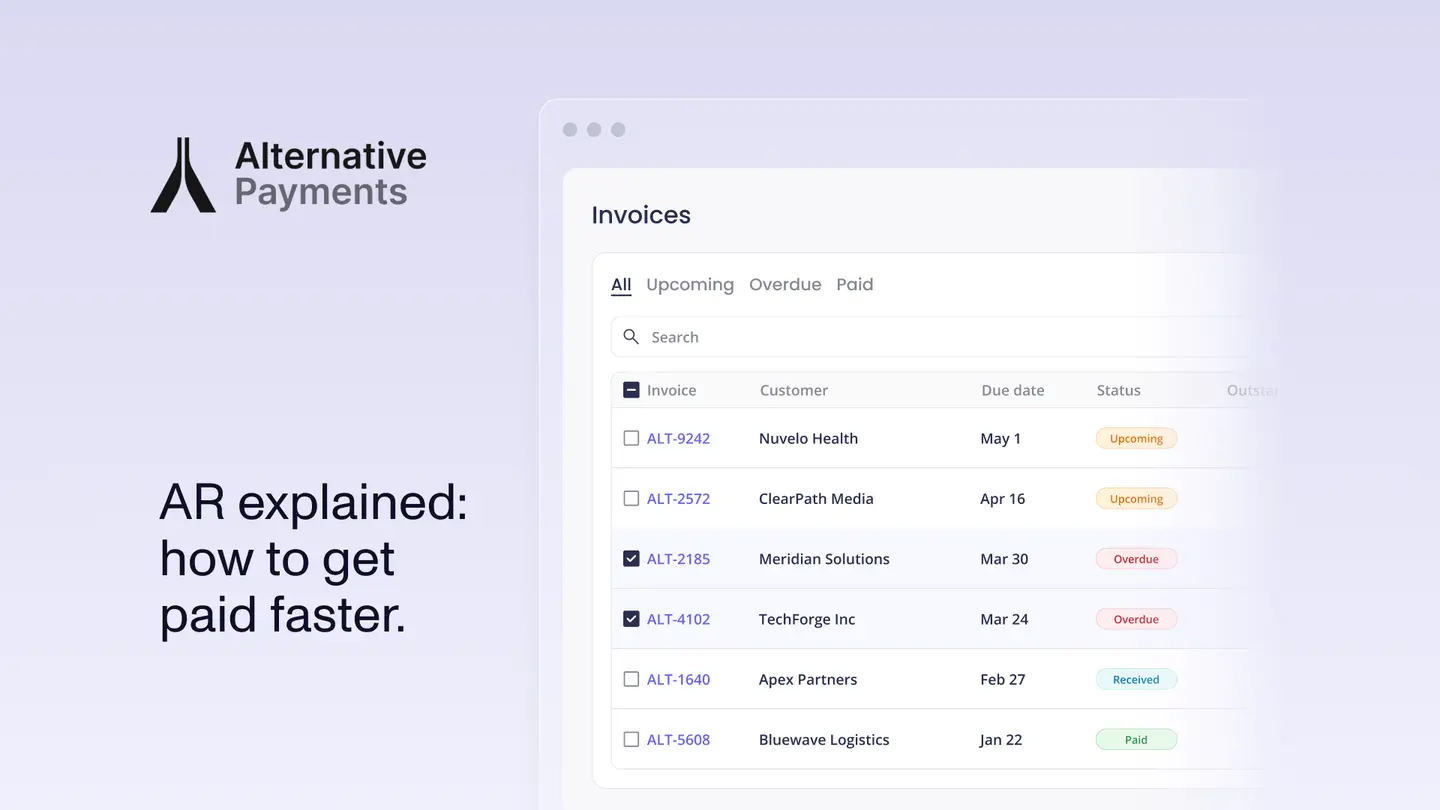
The Accounts Receivable Process
The accounts receivable (AR) process is the operational system a business uses to collect payment for goods or services delivered on credit. For service businesses, specifically MSPs, accounting firms, and telecom providers, the AR process starts when an invoice is issued and ends when the payment is matched to the correct invoice in the general ledger.
A complete AR process covers five stages: invoice generation, client communication and follow-up, payment collection, reconciliation, and reporting. When all five run automatically, AR becomes a background function. When any stage requires manual intervention, it becomes a recurring drain on staff time.
Why the AR Process Breaks for Service Businesses
Most service businesses do not have an AR problem. They have an AR infrastructure problem. The invoices go out. Clients pay, eventually. Someone matches the payments to invoices at month end. The process works until the client book grows large enough that the manual steps become unsustainable.
The scale at which this typically breaks is different for every business, but the pattern is consistent. At 20 clients, one person can manage AR manually. At 50 clients, it starts consuming hours that should go to advisory or service delivery work. At 100 clients, manual AR becomes a structural cost that either requires additional headcount or forces a billing automation investment.
The five most common failure points in the AR process for service businesses are:
- Inconsistent follow-up. Reminder sequences that depend on staff initiation get skipped during busy periods. Some clients receive consistent follow-up and some do not. Late payment habits form where follow-up is absent.
- Reconciliation lag. Payments arriving via bank transfer, card, or check post to accounting as deposit entries that require manual matching to specific invoices. At volume, this matching consumes significant time and introduces error risk.
- Disconnected systems. Invoice data lives in the PSA or accounting software. Payment data lives in the payment processor. Reconciliation data lives in accounting. Without native integration across all three, someone must manually bridge the gaps.
- No client self-service. Clients who cannot update payment methods or enroll in auto-pay without contacting your office create support overhead that has nothing to do with your core service.
- No real-time visibility. Finance teams that can only see AR status at month end cannot catch aging exceptions early enough to intervene before they become write-offs.
The AR Process for MSPs: Specific Considerations
MSPs have AR requirements that generic accounts receivable software was not designed to handle. The billing source of truth for an MSP is the PSA, not an ERP or accounting system. Invoices originate in ConnectWise, Autotask, HaloPSA, or Syncro, pull from agreement data, and reflect per-seat or per-device counts that change monthly.
A functional AR process for an MSP requires a payment platform that connects natively to the PSA, pulls invoice data bidirectionally, and posts payment status back without manual entry. The reconciliation loop needs to close automatically: invoice created in PSA, payment collected, payment posted to PSA and accounting, no human in the middle.
According to Kaseya, 81% of MSPs wait 60 or more days to get paid. That statistic reflects a systemic AR infrastructure gap, not a client behavior problem. MSPs on purpose-built payment platforms with native PSA integration consistently report DSO well below that average.
The AR Process for Accounting Firms: Specific Considerations
Accounting firms and CAS practices have a different AR challenge. Their billing is recurring and contract-driven, but their clients are businesses of varying sophistication with different payment preferences and processes. The AR platform needs to handle auto-pay enrollment, surcharging compliance, and client self-service while integrating natively with QuickBooks or Xero at the invoice level.
The most common AR failure point for accounting firms is the reminder cap in QuickBooks Online, which limits how many automated reminders can run simultaneously across active AR accounts. Firms with large client books find that some accounts receive consistent follow-up and others do not, creating uneven payment behavior across the client base.
What a Modern AR Process Looks Like
A fully automated AR process for a service business operates as follows:
- Invoice generation: the PSA or accounting system generates the invoice based on agreement terms, time entries, or project milestones. The payment platform pulls this data automatically.
- Client communication: automated reminders go out at configurable intervals before the due date, on the due date, and at escalating intervals after. The client receives a branded payment link to a self-service portal that reflects your business, not a third-party processor.
- Payment collection: the client pays via ACH, card, or installment plan. Auto-pay charges stored payment methods on schedule for enrolled clients. Retry logic handles failed transactions automatically.
- Reconciliation: the payment maps to the originating invoice in the PSA and posts to the accounting system with invoice-level detail, fee separation, and correct GL mapping. No manual matching required.
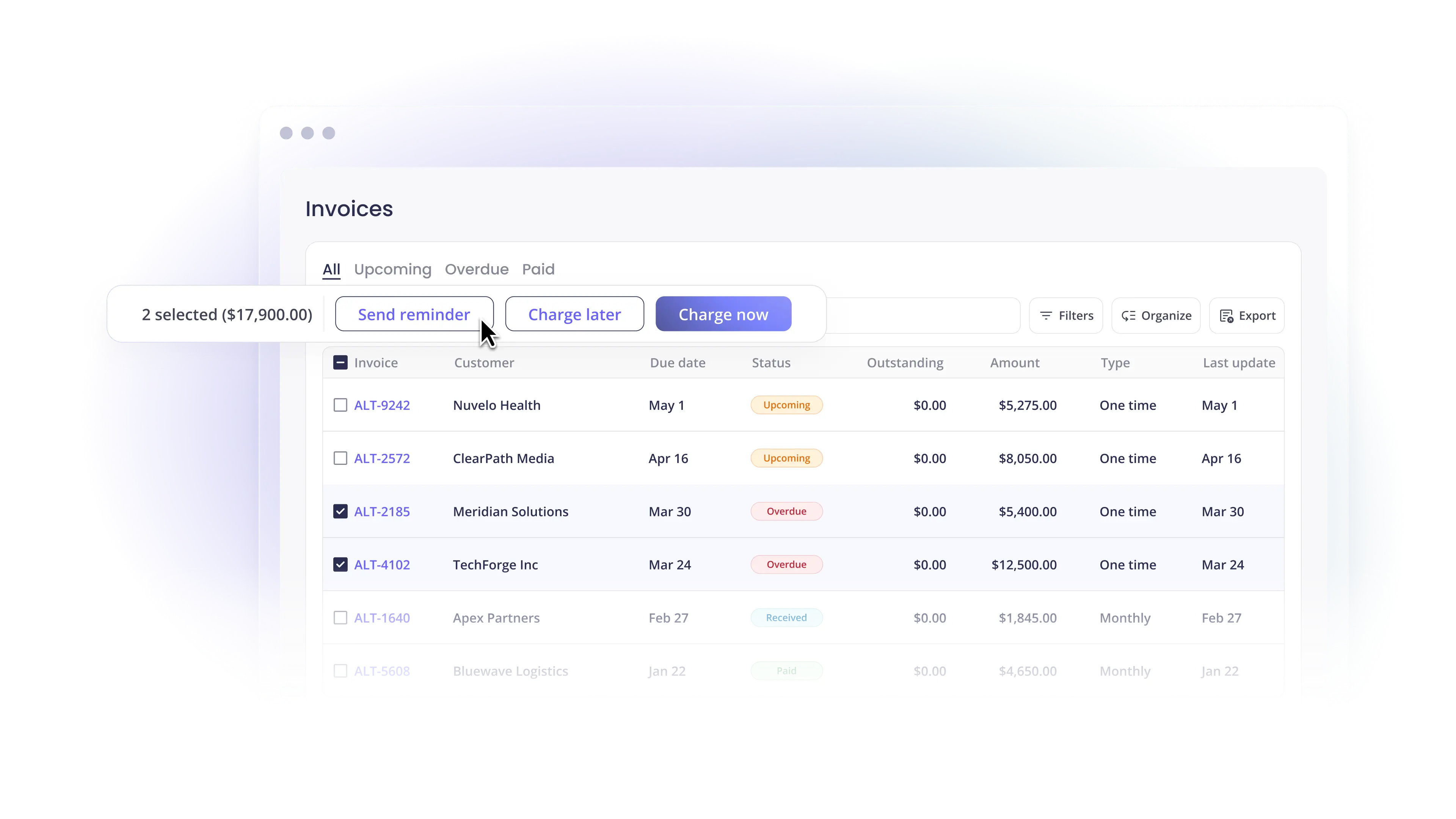
- Reporting: DSO, overdue rates, on-time payment ratios, and exception counts surface in a single dashboard in real time, without pulling data from multiple systems.
When all five stages operate automatically, the finance team handles exceptions rather than routine operations. The AR process becomes a system that runs in the background rather than a task that consumes a meaningful portion of staff capacity every billing cycle.
How Alternative Payments Automates the AR Process
Alternative Payments was built for service businesses that run on recurring revenue. The platform provides native PSA integration with ConnectWise, Autotask, HaloPSA, and SuperOps, and native accounting integration with QuickBooks Online, QuickBooks Desktop, and Xero. Every payment maps to the originating invoice and reconciles automatically without manual intervention.
ACH carries no per-transaction fee. Card processing includes built-in surcharging compliance for state-level jurisdiction requirements. Collections Assist handles automated AR follow-up on overdue invoices. The client portal is white-labeled and supports auto-pay enrollment, payment method management, and invoice history without client contact with your team.
MSPs on the platform reduce overdue invoices from 20.5% to 6.7% and reach an average DSO of 5 days, based on internal platform data.
Book a demo to walk through how the full AR process connects to your specific PSA and accounting stack.
Simplify your customer payments, unlock instant cash flow
Keep reading


ConnectWise QuickBooks integration: what a complete payment workflow should cover

NetSuite payment gateways: an enterprise MSP buyer's framework