•
IT Services
•
Automate Accounts Receivable
•
Reduce DSO
•
Accounting
•
Security
June 30, 2026
How a Customizable MSP Payment Portal Is Changing MSP Operations
Why Generic Payment Portals Fall Short for MSPs
Generic payment tools are not built for the billing realities MSPs face every day. A basic payment link from a horizontal processor handles a one-time transaction cleanly enough, but MSP invoicing is layered: recurring contracts, per-seat pricing structures, mixed billing cycles, and client accounts that change monthly as devices and users are added or removed. Off-the-shelf tools have no awareness of any of that.
The deeper problem is reconciliation. When a payment comes in through a standalone processor, someone at the MSP has to manually match that payment back to the correct invoice in ConnectWise or Autotask. That matching process does not scale. According to the Association for Financial Professionals (2024), 78% of finance teams spend eight or more hours per week on manual reconciliation, a number that reflects exactly the kind of operational friction generic tools create for service businesses.
MSPs also deal with clients who have different payment preferences, different contract terms, and different levels of comfort with autopay. A portal that cannot accommodate those differences pushes the burden back onto the MSP's billing team. The result is a backlog of manual follow-ups, inconsistent payment timelines, and a cash flow picture that is harder to predict than it needs to be.
The mismatch is structural, not incidental. Generic tools were designed for transactional commerce, not managed service billing. What MSPs need is a payment experience that reflects how their business actually operates.
What a Customizable MSP Payment Portal Actually Includes
A customizable MSP payment portal includes both branding controls and functional configuration that maps to how MSPs bill and collect. Understanding the difference between cosmetic and functional customization matters because cosmetic changes alone do not reduce DSO or eliminate manual work.
Branding and White-Label Controls
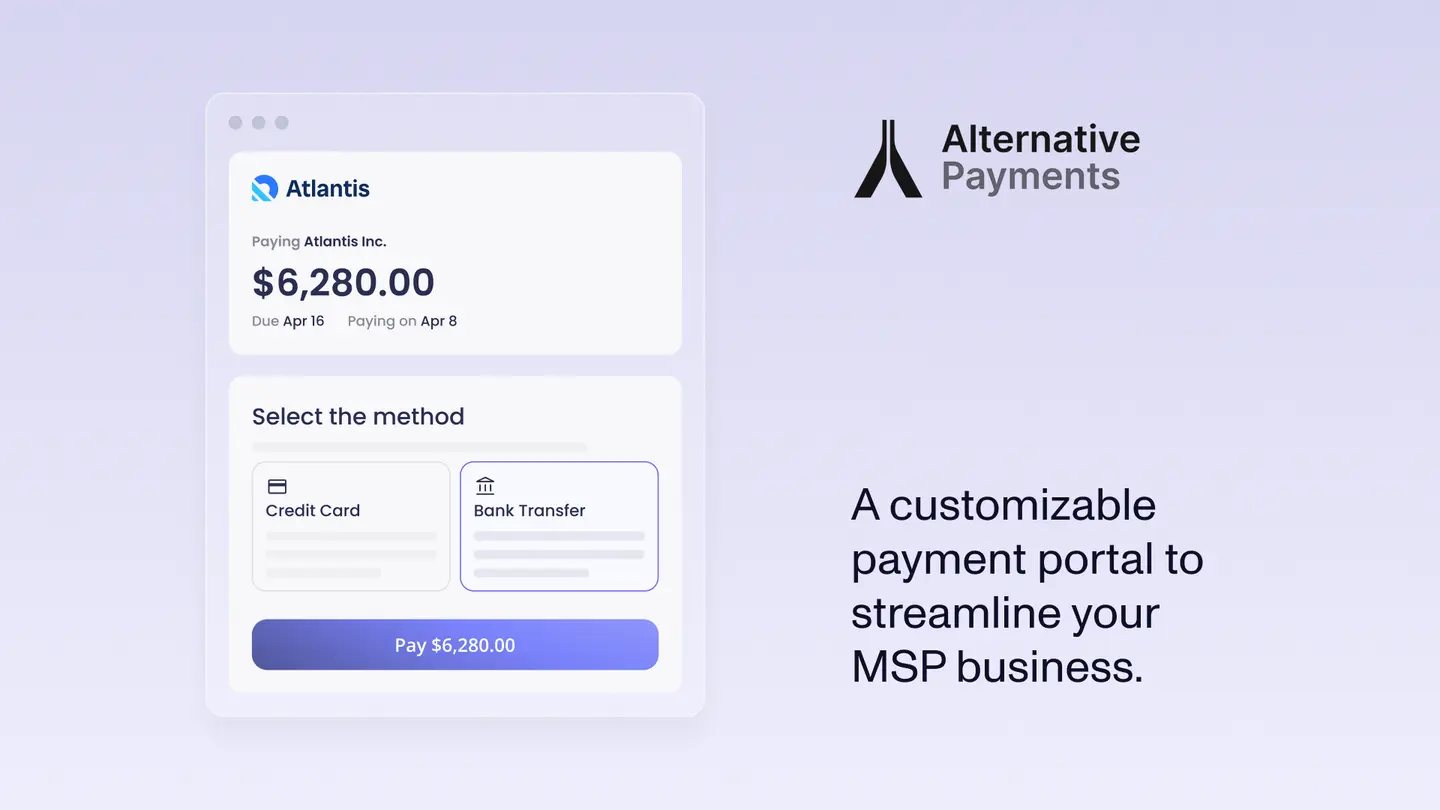
Cosmetic customization covers the client-facing presentation: the MSP's logo, brand colors, a custom domain or subdomain, and an email notification style that matches the MSP's existing communications. A white-label portal removes any reference to the underlying payment platform, so clients see only the MSP's brand when they receive a payment request or log in to view an invoice. This matters because clients who are redirected to an unfamiliar third-party page often delay payment or contact the MSP to confirm the link is legitimate.
Functional Customization That Drives Collections
Functional customization is where operational value is created. This includes the ability to set payment method options at the client level, such as toggling ACH as the default for enterprise accounts while keeping card available for smaller clients. It includes client-level payment terms, so a net-30 client and an autopay client both receive the correct experience without manual workarounds.
Automated payment reminder sequences are another functional layer. The ability to configure the timing, tone, and frequency of reminders per client segment means MSPs are not sending the same three-day reminder to a client who always pays on time as they are to one with a history of 45-day delays. Surcharging configuration, partial payment handling, and autopay enrollment prompts are all functional controls that directly affect how quickly invoices are collected.
Unlike horizontal billing tools not built for MSPs, Alternative Payments gives MSP operations teams control over both the client-facing experience and the underlying payment logic, without requiring development resources to configure either.
How a Customizable Payment Portal Integrates With ConnectWise and Autotask
A real PSA integration means invoices created in ConnectWise or Autotask flow into the payment portal automatically, and payment status updates flow back without manual entry. That bidirectional sync is what separates a native integration from a workaround.
Many MSPs using standalone payment tools have experienced the CSV workaround in practice: export a list of outstanding invoices, upload them to the payment processor, receive payment notifications by email, and then manually update each invoice status back in the PSA. Every step in that sequence is a point where data can be missed, delayed, or entered incorrectly. A bidirectional integration removes those points of failure entirely.
ConnectWise and Autotask are the two dominant PSA platforms in the MSP space, and they each have their own data structures for contracts, invoices, and client records. A payment portal built for MSPs maps to those structures natively, so a per-seat contract in ConnectWise renders correctly in the client portal without requiring the MSP to manually reformat invoice data before it goes out.
QuickBooks serves as the downstream accounting layer for most small to midsize MSPs. When a payment is recorded in the portal, that record needs to reach QuickBooks accurately and without additional manual steps. A three-way sync between the PSA, the payment portal, and QuickBooks is what closes the loop on MSP financial operations.
Without that integration, the portal creates more work, not less. An MSP that adds a payment portal but still has to manually reconcile between three systems has not solved the operational problem. It has added another platform to manage.
What MSP Clients See in a White-Label Payment Portal
The client-facing experience in a white-label MSP payment portal is designed to reduce friction at every step of the payment journey. Clients receive a branded payment link that reflects the MSP's identity, not an unfamiliar processor domain.
When a client opens the link, they see an itemized invoice that reflects their specific service tier, contract terms, and any usage-based charges for the period. For MSPs with per-seat or per-device contracts, that level of invoice detail reduces client questions and disputes before they happen. A client who can see exactly what they are paying for and why is more likely to approve and process payment without back-and-forth.
From the invoice view, clients can select their preferred payment method, whether that is ACH bank transfer, credit card, or check, depending on what the MSP has configured for that account. They can enroll in autopay directly from the portal, which moves that client from a manual collection process to a predictable recurring payment without any additional outreach from the MSP's billing team.
Clients can also download payment receipts, review payment history, and manage their payment method on file, all within the same branded environment. Mobile responsiveness matters here because many clients at small businesses pay invoices from their phones. A portal that renders cleanly on mobile removes a friction point that often delays payment by days.
The professional presentation of a white-label portal also reinforces the MSP's positioning. Clients who receive a polished, branded payment experience perceive the MSP as an established business, not a small operation using a consumer payment app. That perception affects both retention and the likelihood of referrals.
Payment Portal Features That Directly Reduce DSO for MSPs
A customizable MSP payment portal reduces DSO by removing the delays that accumulate between invoice delivery and payment receipt. Each feature in the portal that shortens one step in that sequence compounds into meaningful improvement in cash flow.
According to PYMNTS Intelligence (2024), more than 60% of B2B invoices are paid late, a figure that reflects how normalized payment delay has become in the service business space. For MSPs operating on thin margins with recurring infrastructure costs, that delay is not a minor inconvenience. It is a cash flow problem that affects payroll, vendor payments, and the ability to invest in growth.
Automated payment reminders with configurable cadence are the first lever. MSPs can set reminder sequences that escalate appropriately based on days outstanding, so the communication a client receives on day three is different from the one they receive on day twenty-one. The ability to customize that cadence per client segment means reminders reach the right people with the right urgency at the right time.
Autopay enrollment prompts, surfaced at the moment a client opens an invoice, convert manual payers to automatic ones without requiring a separate outreach campaign. Once a client is on autopay, their invoices are collected on the scheduled date without any action from the MSP's billing team. That shift from manual to automatic collection is the single most direct path to DSO reduction for high-volume MSPs.
Partial payment handling matters for disputed invoices. When a client has a question about one line item but the rest of the invoice is undisputed, a portal that accepts partial payment keeps cash moving while the dispute is resolved. Without that option, the entire invoice can sit unpaid for weeks while the MSP and client work through the discrepancy.
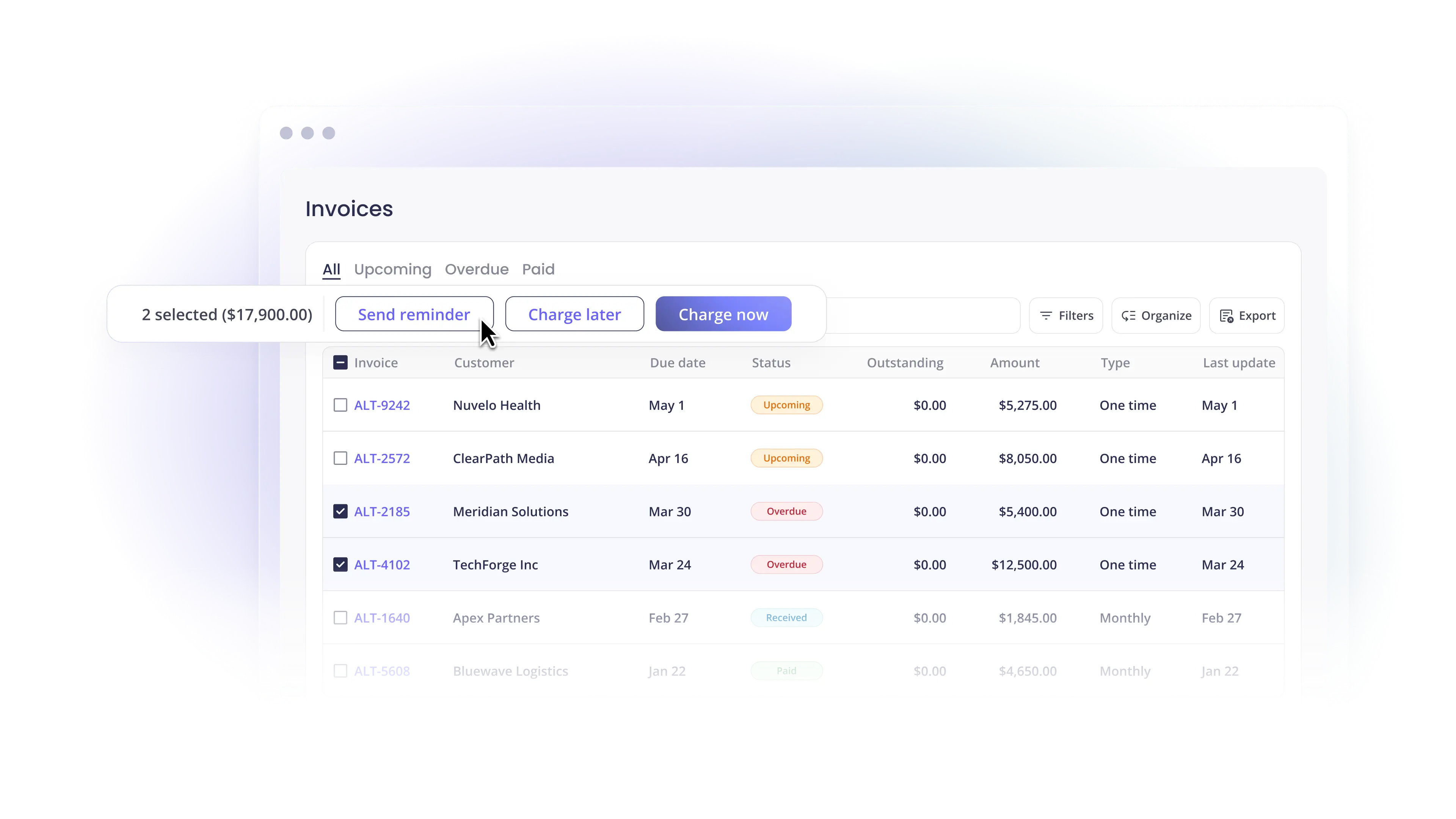
Real-time payment visibility gives the MSP's finance team a live view of what has been paid, what is pending, and what is overdue, without logging into multiple systems to piece together a picture. That visibility supports better cash flow forecasting and earlier intervention on aging receivables.
How to Evaluate a Customizable MSP Payment Portal Before You Commit
Evaluating a customizable MSP payment portal means testing whether the tool solves MSP-specific problems or just adds a branded layer on top of a generic processor. The questions below reflect the operational criteria that matter most for small to midsize MSPs.
1. PSA and accounting integrations. Does the portal connect natively with ConnectWise, Autotask, QuickBooks, or Xero? Ask specifically whether the integration is bidirectional and whether payment status updates back to the PSA automatically.
2. Branding depth. Can the MSP apply its own logo, colors, and domain? Will clients see any reference to the underlying payment platform?
3. Supported payment rails. Does the portal support ACH, credit card, and check? Can payment methods be configured at the client level rather than applied uniformly across all accounts?
4. Fee structure transparency. Are surcharging options available so the MSP can pass card processing fees to clients who prefer card? Is the fee structure clear before the MSP commits?
5. Onboarding support. What does the onboarding process look like, and how long does it take to go live? MSPs do not have dedicated IT staff to manage complex software implementations.
6. Contract flexibility. Is the portal available without a long-term contract lock-in? Month-to-month flexibility matters for MSPs that want to test before committing.
Alternative Payments is built specifically for MSPs and accounting firms, with native integrations for ConnectWise, Autotask, HaloPSA, QuickBooks, and Xero. The platform supports ACH, card, and surcharging configuration, and MSPs can go live with a branded portal in days rather than weeks. For MSPs evaluating options, Alternative Payments offers a focused demo that walks through the PSA integration and client portal setup end to end.
Frequently Asked Questions
Q: What should I look for in a customizable MSP payment portal?
A: Look for native PSA integrations with ConnectWise or Autotask, bidirectional payment status sync, client-level payment method controls, white-label branding, and automated reminder sequencing. Functional customization, the kind that changes how payments are collected, matters more than cosmetic branding alone.
Q: Can an MSP payment portal integrate with ConnectWise and QuickBooks?
A: Yes. Portals built specifically for MSPs offer native integrations with both ConnectWise and QuickBooks, so invoices flow from the PSA into the portal automatically and payment status updates return to QuickBooks without manual entry. CSV exports and manual matching are a sign that the integration is not native.
Q: How does a white-label payment portal improve cash flow for MSPs?
A: A white-label payment portal improves cash flow by delivering a branded, professional payment experience that increases client trust and reduces payment hesitation. Combined with autopay enrollment, automated reminders, and real-time payment visibility, a white-label portal shortens the average time between invoice delivery and payment receipt, which directly reduces DSO.
Book a 20-minute demo and see how Alternative Payments cuts your DSO by 40%.
Simplify your customer payments, unlock instant cash flow
Keep reading