•
Accounting
•
Automate Accounts Receivable
•
Collections
•
Reduce DSO
•
Professional Services
•
Set Up Subscription Billing
July 2, 2026
Payment Processing for Accounting Firms: Beyond Invoicing Software
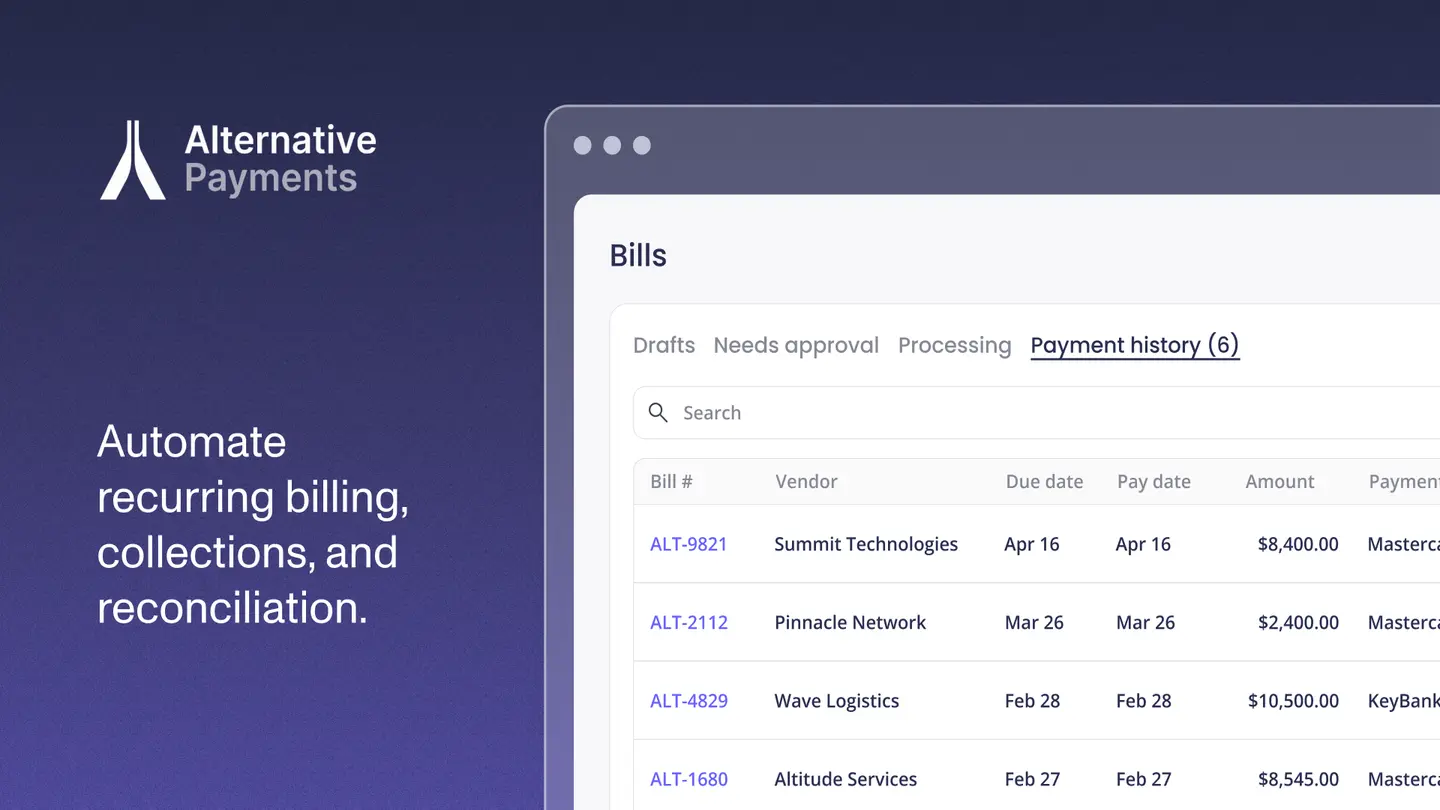
Your accounting practice runs on recurring revenue. Monthly bookkeeping, payroll, controller services, and advisory engagements all bill on a schedule. So when a client pays late, the cost is not just the cash. It is the hour your team spends chasing it, the reconciliation that gets messy, and the slow erosion of a relationship you worked hard to build.
The fix is not a better invoice. It is payment processing software for accounting firms that collects, reconciles, and reports on every dollar your firm bills, and that can do the same for the clients you advise. At Alternative Payments, we built our platform around that reality. This guide explains the difference between invoicing software and payment processing, why accounting firms and Client Advisory Services (CAS) practices need both, and what to look for in a payment platform that handles recurring billing without manual work.
Invoicing Software vs. Payment Processing: What's the Difference
This is the question that trips up most firm owners, so we'll answer it directly.
Invoicing software creates and sends the bill. It tells a client what they owe, when it's due, and what it covers. Tools like QuickBooks, Xero, and most practice management suites do this well. The invoice goes out, and the job is done.
Payment processing is what happens next: actually collecting the money, moving it to your bank, and recording it against the right invoice. This is where ACH and credit card acceptance live, and it's where most of the manual labor hides.
The gap between the two is where firms lose time and cash. An invoice can be perfect and still go unpaid for 45 days. A payment can arrive and still sit unmatched in a spreadsheet until someone reconciles it by hand. Invoicing answers "what do they owe?" Payment processing answers "did we get paid, and did it post correctly?"
A complete payment platform closes that gap. It issues or syncs the invoice, collects the payment through the client's preferred method, and maps every dollar back to the general ledger (GL), without a person in the middle. That last part, accounts receivable (AR) automation, is what separates a processor from a platform.
Why Accounting Firms Need More Than an Invoice
The late-payment problem is structural, not occasional. In 2025, 55% of all B2B invoiced sales in the U.S. are overdue, and suppliers wait an average of 43 days to be paid, according to data compiled by The Kaplan Group. For a firm billing dozens of recurring engagements, that delay compounds across every client at once.
The time cost is just as real. More than half of businesses (53.4%) spend 4 or more hours per week on AR tasks, per Chaser's late payments report. That's a full afternoon, every week, spent on follow-up that doesn't advise a single client or close a single engagement.
There's an operational benchmark worth knowing here. Technology and Professional Services firms carried an average days sales outstanding (DSO) of 34 in 2024, based on a Zone & Co. survey referenced by the Association for Financial Professionals. If your firm sits well above that, the issue usually isn't your clients. It's the collection and reconciliation workflow between your invoice and your bank.
Timing is the lever. First contact within 48 hours of a missed payment achieves a 65% collection success rate, while automated reminder cadences outperform manual follow-up by 12 to 18 days on average, according to CreditPulse's 2025 DSO benchmarks. A platform that sends those reminders on schedule does, every time, what a busy team can only do sometimes.
The Payment Lifecycle for a Recurring-Revenue Firm
We think about firm payments as a lifecycle, not a single transaction. Map your current process against these five stages and the manual gaps become obvious.
- Issuance: The invoice is generated or synced from your accounting system. Recurring engagements should bill automatically on contract terms, with no one re-keying amounts each month.
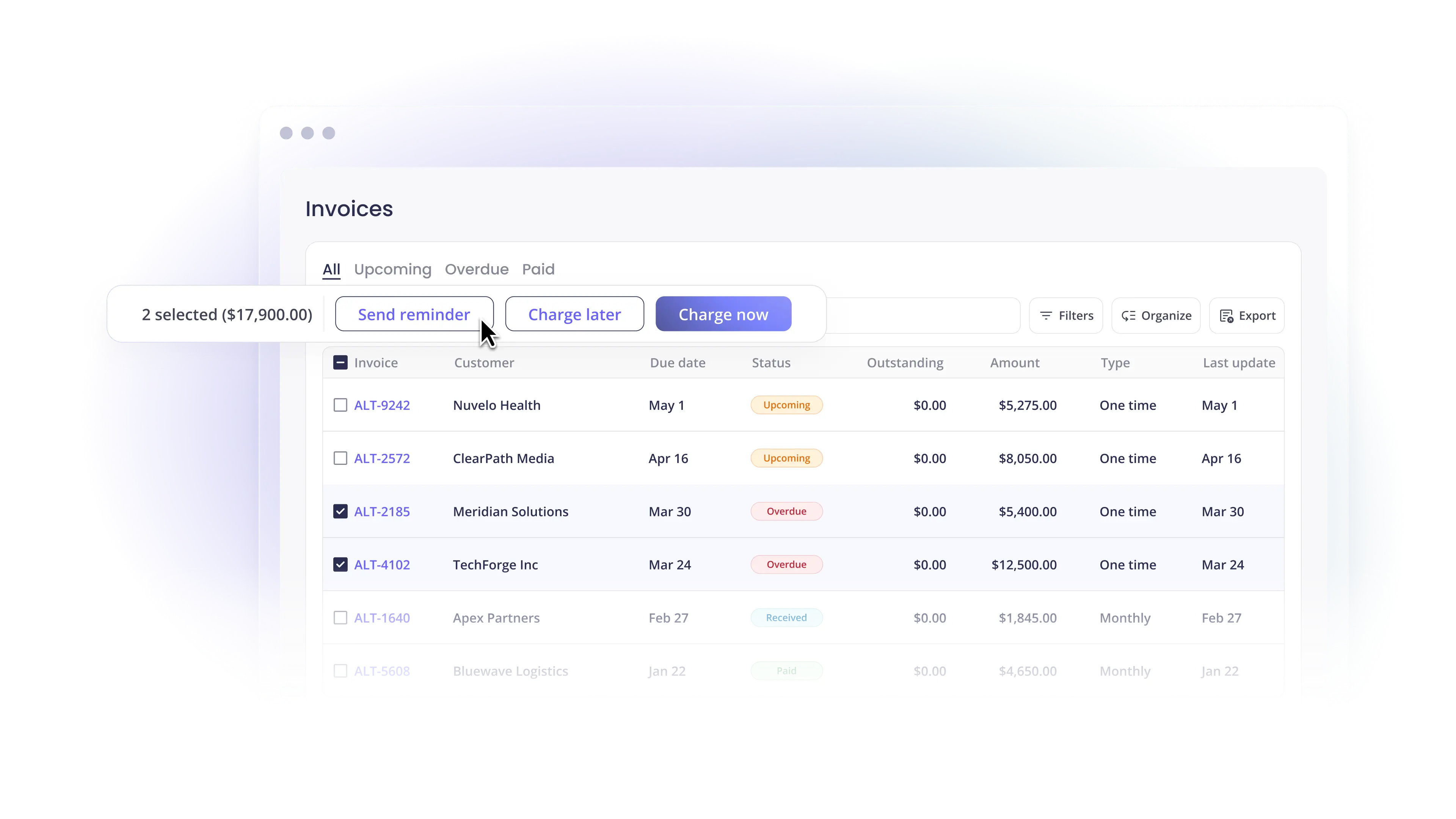
- Communication: Clients receive the bill and a clear way to pay, plus automated reminders before and after the due date. No awkward "just following up" emails from a partner.
- Collection: Clients pay by ACH, credit card, or installments through a branded checkout. Auto-pay handles the predictable, recurring charges on its own.
- Reconciliation: Every payment maps to the specific invoice it covers and posts to the GL. No spreadsheet matching, no month-end triage.
- Reporting: You see AR in real time: DSO, exception rates, and on-time payment ratios in one view.
When all five stages run in one system, payments become invisible. They work, and no one has to think about them. When they're split across an invoicing tool, a separate processor, and a manual reconciliation step, every handoff is a place for errors and aging AR to creep in.
How to Automate Recurring Billing Without Manual Invoicing
For a firm with recurring engagements, the goal is simple: the invoice goes out and the payment comes in without anyone touching either. Here's what makes that possible.
Recurring billing tied to the contract
Your platform should bill on the terms you agreed to (monthly bookkeeping, quarterly advisory, annual compliance) and generate each invoice automatically. The work happens once, when you set up the engagement, not every billing cycle. This is the core of a payment platform built for accounting firms.
Auto-pay with stored payment methods
For predictable recurring fees, auto-pay collects on the due date using the client's saved ACH or card details. This is the single biggest lever on DSO, because it removes the client's decision to pay from the equation entirely.
Auto-reconciliation back to the GL
Every payment should map to the right invoice and post to your accounting system without manual matching. When collection and reconciliation live on the same platform, your books stay current and your month-end shrinks. Read more on integrating payments with QuickBooks for how that mapping works in practice.
Automated collections without a collection agency
Reminders, escalation cadences, and transparent client communication recover overdue invoices before they age, and before you'd ever consider a third party. Automating collections keeps the work in-house and the client relationship intact, which matters when that client is also paying you for advice.
One Platform for Your Firm and Your Clients
Here's the part that's specific to accounting practices. You don't just collect your own fees. You advise clients who have the same payment problems you do.
Client Advisory Services is the fastest-growing line in the profession. Firms offering CAS project their related revenue to nearly double over the next three years, reporting a median projected growth rate of 99%, alongside 17% median revenue growth in 2023, according to a CPA.com benchmark survey reported by the Journal of Accountancy. Cash flow and collections are exactly the kind of operational problem CAS engagements are built to solve.
A payment platform that works for your firm and your clients lets you do both:
- Run your own billing on recurring terms with auto-pay and auto-reconciliation.
- Extend the same workflow to clients you serve, so the businesses you advise collect faster too.
- Offer client-facing financing (installments, ACH, credit cards, and B2B buy now, pay later) so clients can pay on terms that work for them while you still get paid in full, on time.
That financing piece matters more than it looks. When a client can spread a large invoice over installments, they pay rather than delay, and you collect the full amount up front. It turns a payment-terms negotiation into a checkout choice.
Generic Processor vs. Purpose-Built Platform
Not every payment tool fits a contract-driven firm. The difference shows up in the details.
| Capability | Generic processor | Purpose-built platform |
|---|---|---|
| Billing model | One-off, ecommerce-style charges | Recurring, contract-based engagements |
| Reconciliation | Manual matching after the fact | Auto-reconciliation to the GL |
| Collections | You chase late invoices | Automated reminders and escalation |
| Accounting integration | Export/import files | Native sync with your stack |
| Client experience | Unbranded payment page | White-label checkout |
| Financing | Card only | ACH, cards, installments, B2B BNPL |
A generic processor treats every invoice like a single online purchase. A purpose-built platform respects how your firm actually works: contracts, recurring terms, and a GL that has to stay accurate. The first leaves you with portals and exports to manage. The second removes the manual layer entirely.
Frequently Asked Questions
What's the difference between invoicing software and payment processing for accountants?
Invoicing software creates and sends the bill. It tells a client what they owe. Payment processing collects the money, moves it to your bank, and records it against the invoice. Many firms run separate tools for each, which leaves a manual gap where reconciliation and collections happen by hand. A unified platform handles both in one workflow.
Can one payment tool work for my accounting practice and my clients' businesses?
Yes. A platform built for recurring-revenue service businesses can run your firm's billing and extend the same collection, reconciliation, and financing workflow to the clients you advise. That's a natural fit for CAS engagements, where cash flow and collections are part of the value you deliver.
How do accounting firms automate client collections without a collection agency?
Automated reminder cadences, clear payment options, and escalation rules recover overdue invoices before they age. First contact within 48 hours of a missed payment recovers far more than waiting two weeks. Because the process stays in your platform, the client relationship stays intact. See how automated collections work.
Does this work with QuickBooks and other accounting systems?
Yes. A purpose-built platform syncs natively with accounting and practice management systems so payments post automatically to the GL. This eliminates manual imports and mismatched records. Note that eligibility is designed for recurring-revenue companies in the U.S. and Canada.
What's the best payment processing software for accounting firms and CAS practices?
The best fit handles recurring billing, auto-pay, auto-reconciliation, automated collections, and client-facing financing in one platform, and integrates natively with your accounting stack. The goal is fewer overdue invoices, lower DSO, and cleaner books without adding headcount.
Stop Chasing, Start Collecting
Your firm's expertise is advice, not AR follow-up. A payment platform that issues, collects, reconciles, and reports on every invoice gives that time back, and gives the same advantage to the clients you serve.
If recurring billing, automated collections, and clean reconciliation sound like the workflow your practice needs, book a demo with Alternative Payments and we'll show you exactly how it maps to your accounting stack.
Simplify your customer payments, unlock instant cash flow
Keep reading


NetSuite payment gateways: an enterprise MSP buyer's framework

AI CFO, virtual CFO, or finance assistant: choosing the right support