•
Accounting
•
Automate Accounts Receivable
•
Collections
•
Reduce DSO
•
Professional Services
•
Set Up Subscription Billing
June 26, 2026
The Accounting Firm Guide to Accounts Receivable Automation (2026)
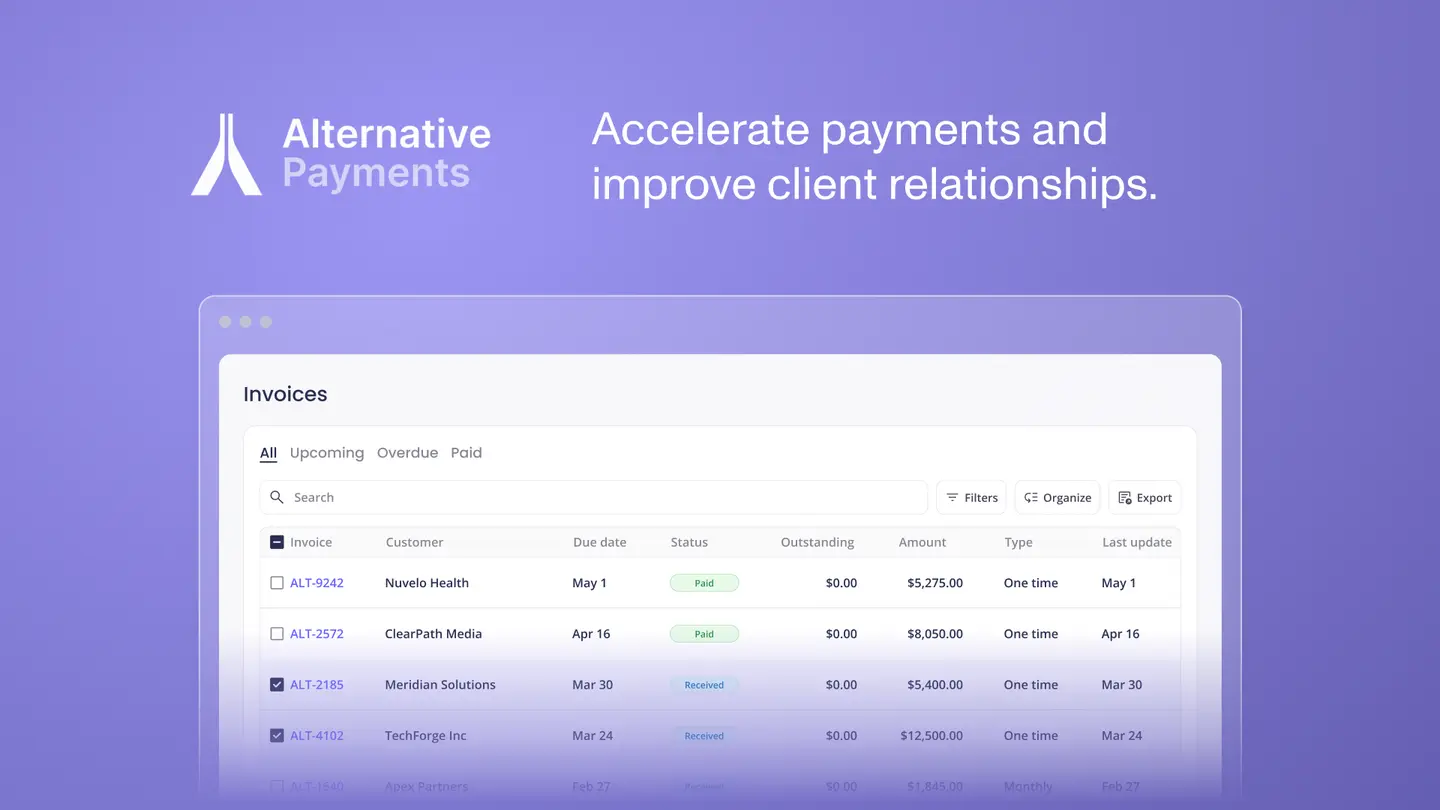
What Is Accounts Receivable Automation for Accounting Firms?
Accounts receivable automation for accounting firms is the replacement of manual billing tasks with software that handles invoice delivery, payment reminders, client communication, payment collection, and reconciliation automatically, without a team member initiating each step across every client account.
For accounting firms, AR automation differs from what generic platforms deliver. A standard invoicing tool sends an invoice and accepts a payment. Accounts receivable automation for accounting firms goes further: it manages the full cycle from engagement billing through payment collected and reconciled in QuickBooks or Xero, with automated follow up for overdue CAS retainers, advisory project invoices, and recurring compliance engagements running simultaneously across every client account.
The unique challenges accounting firms face make this distinction practical rather than theoretical. CAS retainers bill on a fixed monthly schedule and need auto pay to run reliably without manual initiation. Advisory project invoices vary in amount and timing and need configurable reminders. Tax preparation invoices cluster at seasonal peaks and need a workflow that handles volume without adding staff hours. Manual AR processes cannot maintain consistency across all three billing types simultaneously.
The growth trajectory of accounting advisory services makes getting this right urgent. According to the 2024 CPA.com and AICPA PCPS CAS Benchmark Survey, CAS practices reported a 17% median growth rate and projected 99% growth over the next three years. That growth runs on recurring revenue, and recurring revenue only behaves predictably when the payment and collection workflow is automated end to end.
Key Benefits of Accounts Receivable Automation for CPAs
The benefits of accounts receivable automation for accounting firms are concentrated in four areas that compound over time as the client book grows.
Time Savings Across the Full AR Lifecycle
Controllers and billing staff at accounting firms typically spend 40% or more of their week on manual AR tasks: generating reminders, chasing overdue retainers, matching bank feed transactions to invoices, and reconciling payment records at month end. Accounts receivable automation eliminates each of these steps individually, and the time savings compound across every client account the firm manages.
Reduced Errors in Billing and Reconciliation
Manual AR processes introduce errors at every handoff: wrong amounts on reminders, payments matched to incorrect invoices, reconciliation entries posted to the wrong GL accounts. Automated accounts receivable workflows eliminate these error sources by handling matching, posting, and status updates programmatically at the point of collection rather than during a manual month end review.
Improved Cash Flow and Lower DSO
Automated payment reminders and auto pay enrollment reduce the gap between invoice sent and payment received. For CAS retainers, auto pay ensures payment arrives on the due date without any action from the client or the firm. For advisory project invoices, automated reminder sequences follow up consistently regardless of how many other accounts are active. The result is a measurably lower day's sales outstanding and a cash flow profile that reflects the firm's actual billing rather than the client's schedule.
Enhanced Client Experience
A branded self service portal gives clients access to their invoice history, payment method management, and auto pay enrollment without contacting your office. For accounting firm clients who interact with your billing every month, a consistent and professional payment experience reinforces the advisory relationship rather than creating friction around it. Clients who can manage their own payment details pay faster and raise fewer billing questions.
Essential Features of AR Automation Software for Accounting Practices
Not every AR automation platform is built for accounting firm workflows. These are the features that separate a purpose built solution from a general purpose billing tool adapted for accounting use.
Native QuickBooks and Xero Integration with Auto Reconciliation
The integration must be native and bidirectional. Invoices flow from QuickBooks or Xero into the payment platform automatically. When a client pays, the payment is posted back to the correct invoice in QuickBooks or Xero with full invoice level detail, fees separated, and the GL entry posted automatically. This is the distinction between integration and reconciliation: many platforms claim QuickBooks integration but still require manual matching after payment arrives.
Automated Dunning Sequences with Configurable Schedules
Reminder sequences should run automatically on a configurable schedule: before the due date, on the due date, and at escalating intervals after. For accounting firms managing dozens of client accounts with different billing cycles, automation must handle this across every account simultaneously without manual initiation. Generic AR tools like Gaviti and Paystand offer solid dunning capabilities for ERP-driven businesses but lack the accounting firm-specific billing logic and QuickBooks depth that purpose built platforms provide.
Unlike those general purpose tools, Alternative Payments was purpose built for accounting firm billing workflows. It maintains contract context from QuickBooks or Xero throughout the reminder and collection sequence, supports multi-client scheduling across CAS retainers, advisory projects, and compliance invoices simultaneously, and reconciles every payment back to the correct invoice automatically without a manual step between collection and posting.
Auto Pay Enrollment and ACH Support
Auto pay enrollment through a self service portal removes the collection step entirely for enrolled clients. ACH should be the default for CAS retainer billing: it costs less than card, settles predictably, and suits recurring billing cycles. The platform should support ACH with no per transaction fee and provide retry logic for failed charges with automated client notification.
Branded Client Payment Portal
The client payment experience should carry your firm's branding, not a third party processor's. A white label portal with persistent login gives clients access to invoice history, payment method management, and auto pay enrollment without requiring them to contact your office. This is particularly important for CAS clients who interact with your billing infrastructure every month.
Trust Accounting Compliance
For firms handling client funds, trust accounting compliance is non-negotiable. The platform must support the separation of client funds from operating funds in a way that meets professional standards requirements. This is not universally included in general purpose AR platforms, so verify it explicitly. Alternative Payments includes trust accounting compliance as a core capability for accounting firm clients.
How Accounts Receivable Automation Integrates with QuickBooks and Xero
Accounts receivable automation integrates with QuickBooks and Xero through a bidirectional native connection that keeps invoices, payment status, and GL entries synchronized across all three systems in real time, without manual exports, CSV imports, or periodic batch syncs.
The integration process for accounting firms follows a consistent sequence. The AR automation platform connects to QuickBooks Online or Xero through a native API connection. Invoices generated in your accounting software push to the payment platform automatically. Clients pay through the branded portal, and the payment posts back to the correct invoice in QuickBooks or Xero with fee separation, GL mapping, and invoice status updates happening without any manual step.
Common concerns around implementation center on data synchronization and workflow disruption. The most frequent issue is running two sync processes simultaneously during setup, which creates duplicate records. The solution is straightforward: configure the AR automation platform as the primary payment integration and disable any existing native payment sync before activating the new connection. Alternative Payments implementation documentation covers this step explicitly.
For accounting firms managing both QuickBooks and Xero clients across their book, Alternative Payments integrates natively with both platforms. Each client's payments reconcile into the accounting system they use without requiring separate processor configurations or manual routing.
Implementing AR Automation: Best Practices for Accounting Firms
Rolling out accounts receivable automation at an accounting firm requires a phased approach that protects existing client relationships while the new workflow proves itself. These steps reflect how CAS and advisory practices have made the transition successfully.
1. Audit your current billing flow. Map every manual touchpoint from engagement scoping to payment collected and reconciled. Separate your billing types: CAS retainers, advisory project invoices, and compliance work each have different billing cycles and follow up requirements. This audit becomes your automation checklist.
2. Start with 5 to 10 clients on auto pay. Choose a mix of retainer and project clients and run two full billing cycles before expanding. This validates QuickBooks integration accuracy and surface configuration adjustments before they affect your full book.
3. Communicate the change to clients proactively. Frame the portal rollout as a convenience upgrade rather than a process change. A brief note explaining that clients can now view invoices, update payment methods, and enroll in auto pay through a secure branded portal sets expectations positively and reduces inbound billing questions during the transition.
4. Configure QBO integration and verify reconciliation. Run a manual reconciliation check on the first automated billing cycle to confirm that payments are posting back to QuickBooks with invoice level detail and correct GL mapping before relying on the automation fully.
5. Maintain the personal touch on exceptions. Accounts receivable automation handles the consistent, repeatable steps. Exceptions, disputes, and clients in unusual circumstances still benefit from a personal conversation. Train staff on what the system handles automatically and what warrants a direct call or email from a team member.
Most accounting firms complete full rollout within two billing cycles. The phased approach is not about moving slowly. It is about protecting existing client relationships while the new workflow proves itself.
Measuring ROI from Accounts Receivable Automation
The return on accounts receivable automation for accounting firms is measurable across four metrics. Tracking these for the first 90 days after implementation gives a clear picture of what has been delivered and where further optimization is available.
Days Sales Outstanding (DSO).
DSO measures how many days it takes to collect payment after an invoice is issued. The industry benchmark for professional services sits at 30 to 60 days. Accounting firms with auto pay enrollment and automated reminder sequences consistently operate below 15 days. Alternative Payments customers report an average DSO of 5 days. Track this weekly for the first 90 days after implementation.
Collection rate.
Track the percentage of invoices collected within 30 days of issue date before and after automation. For firms with 50 or more active accounts, auto pay enrollment alone typically moves the 30-day collection rate from 60 to 70% into the 85 to 95% range within two to three billing cycles.
Manual hours reclaimed.
Count the hours currently spent on payment reminders, bank feed matching, invoice marking, and month end reconciliation. Most accounting firm billing staff report reclaiming 5 to 8 hours per week after AR automation is fully deployed. At a $120 per hour billing rate, that is $31,200 to $49,920 in annual recoverable capacity per staff member.
Write-off rate.
Firms running AR by hand write off roughly 4% of receivables as bad debt on average. Automated reminder sequences and auto pay enrollment reduce this significantly by preventing invoices from aging past the point of recovery. Track your write-off rate quarterly and compare it to the pre-automation baseline.
Accounts Receivable Automation Is the Infrastructure Behind CAS Growth
CAS practices are projecting 99% growth over the next three years, according to the 2024 AICPA and CPA.com Benchmark Survey. That growth is built on recurring revenue. And recurring revenue only works as advertised when the payment collection and reconciliation workflow is automated end to end.
Alternative Payments was built for exactly this. Native QuickBooks Online and Xero integration with full auto reconciliation. ACH with no transaction fees. Built in surcharging compliance. Collections Assist for automated AR follow up. A branded client portal that works from day one. Trust accounting compliance for firms handling client funds. Setup in days, not weeks.
FAQs: Accounts Receivable Automation for Accounting Firms
Q: How does accounts receivable automation work?
A: Accounts receivable automation works by connecting your accounting software (QuickBooks or Xero) to a dedicated AR platform that pulls invoices automatically, sends payment reminders on a configurable schedule, collects payments via ACH or card through a branded client portal, and posts each payment back to the correct invoice in your accounting system without manual matching. The entire cycle from invoice delivery to reconciliation posted runs without staff input at any step.
Q: What are the benefits of accounts receivable automation for accounting firms?
A: The primary benefits for accounting firms are reduced controller time on manual AR tasks (typically 5 to 8 hours per week reclaimed), lower DSO through auto pay and automated reminders, improved reconciliation accuracy, reduced write-off rates through consistent follow up, and a more professional client payment experience through a branded self service portal.
According to the 2024 AICPA and CPA.com CAS Benchmark Survey, CAS practices are growing at 17% median annually and projecting 99% growth over three years. Billing automation is a foundational requirement for scaling that revenue without scaling administrative overhead alongside it.
Q: How much does AR automation software cost?
A: AR automation software for accounting firms typically ranges from flat monthly subscription fees to per transaction pricing models. Generic platforms like Gaviti start around $300 to $500 per month for small team plans and scale with users or invoice volume. Unlike these general purpose tools, Alternative Payments operates on a flat monthly fee with no per transaction charges and no ACH fees, keeping cost predictable regardless of billing volume.
The most accurate way to evaluate cost is to calculate the current cost of manual AR work (staff hours multiplied by billing rate) against the platform fee. For most accounting firms, the time savings alone cover the platform cost many times over within the first billing cycle.
Simplify your customer payments, unlock instant cash flow
Keep reading