•
IT Services
•
Automate Accounts Receivable
•
Reduce DSO
•
Collections
•
Accounting
•
Security
April 29, 2026
How to Integrate Payments into PSA Systems: The Best Payment Gateway for MSP Recurring Billing
The Short Answer on How to Integrate Payments into PSA Systems
Integrating payments into a PSA system requires a payment platform that connects natively to your PSA, syncs invoice data bidirectionally in real time, collects payments via ACH and card, and posts settlement data back to accounting automatically. The integration is not a single point-to-point connection. It is a three-way data flow between your PSA, the payment platform, and your accounting software.
Most MSPs discover that the hard part is not connecting the systems. It is ensuring the integration handles the full billing lifecycle, not just the transaction in the middle.
What PSA Payment Integration Actually Covers
A functional PSA payment integration handles five things, not one.
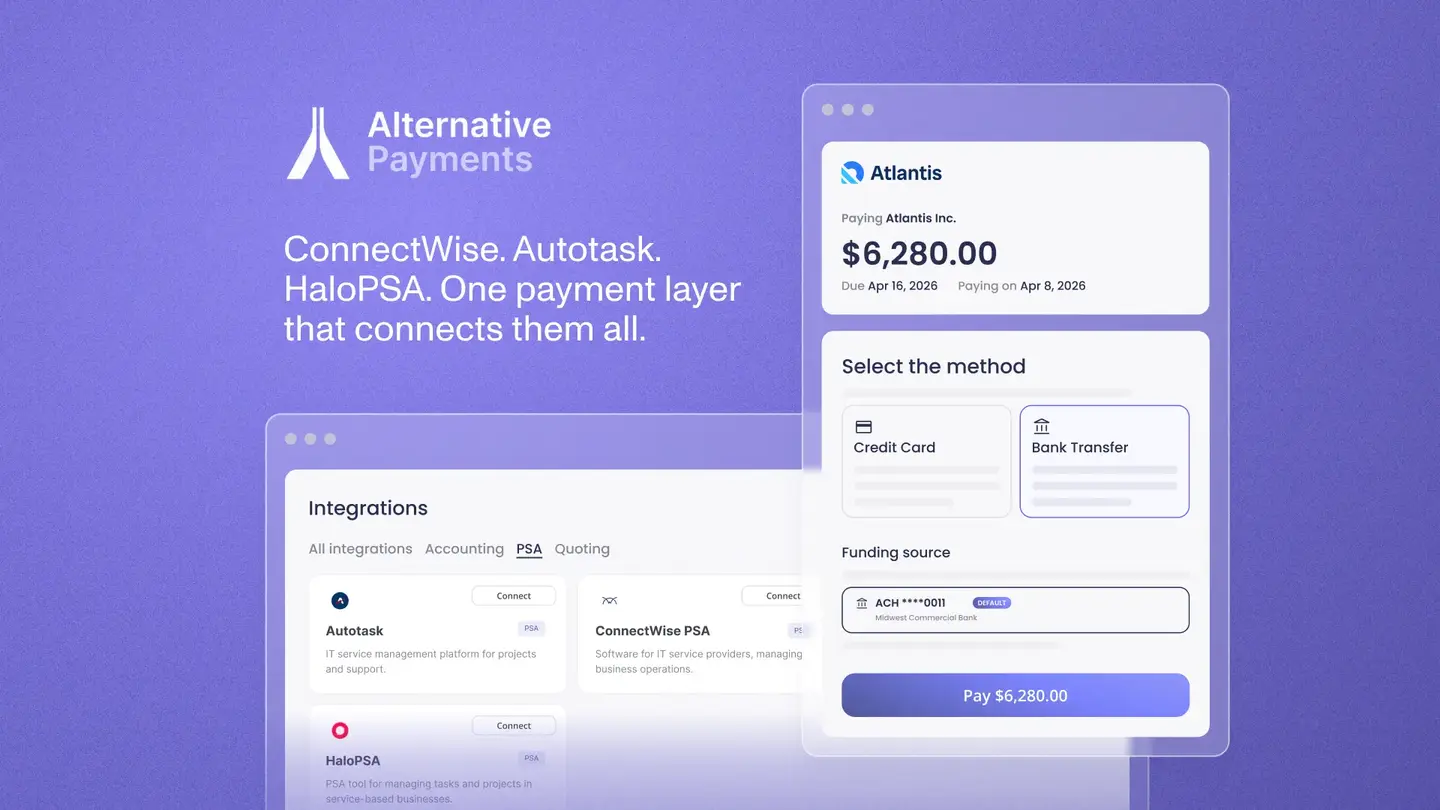
Invoice sync from PSA to payment platform. When an invoice is created in ConnectWise, Autotask, or HaloPSA, it should push to the payment platform automatically, with full line-item detail, not just a total. This is the starting point. Without it, everything downstream requires manual intervention.
Client payment experience. The client receives a branded payment request, not a generic processor link. They pay via ACH, card, or financing through a self-service portal that reflects your MSP's brand. Auto-pay enrollment happens through the same portal for clients who want recurring charges without monthly action.
Payment status sync back to PSA. When a client pays, the invoice status in your PSA updates in real time without manual entry. Your team sees current payment status in the PSA without logging into a separate processor portal.
Settlement reconciliation to accounting. Every cleared payment maps to the originating invoice and posts to QuickBooks or Xero with invoice-level detail, fee separation, and correct GL mapping. No manual matching. No lump-sum deposit reconciliation.
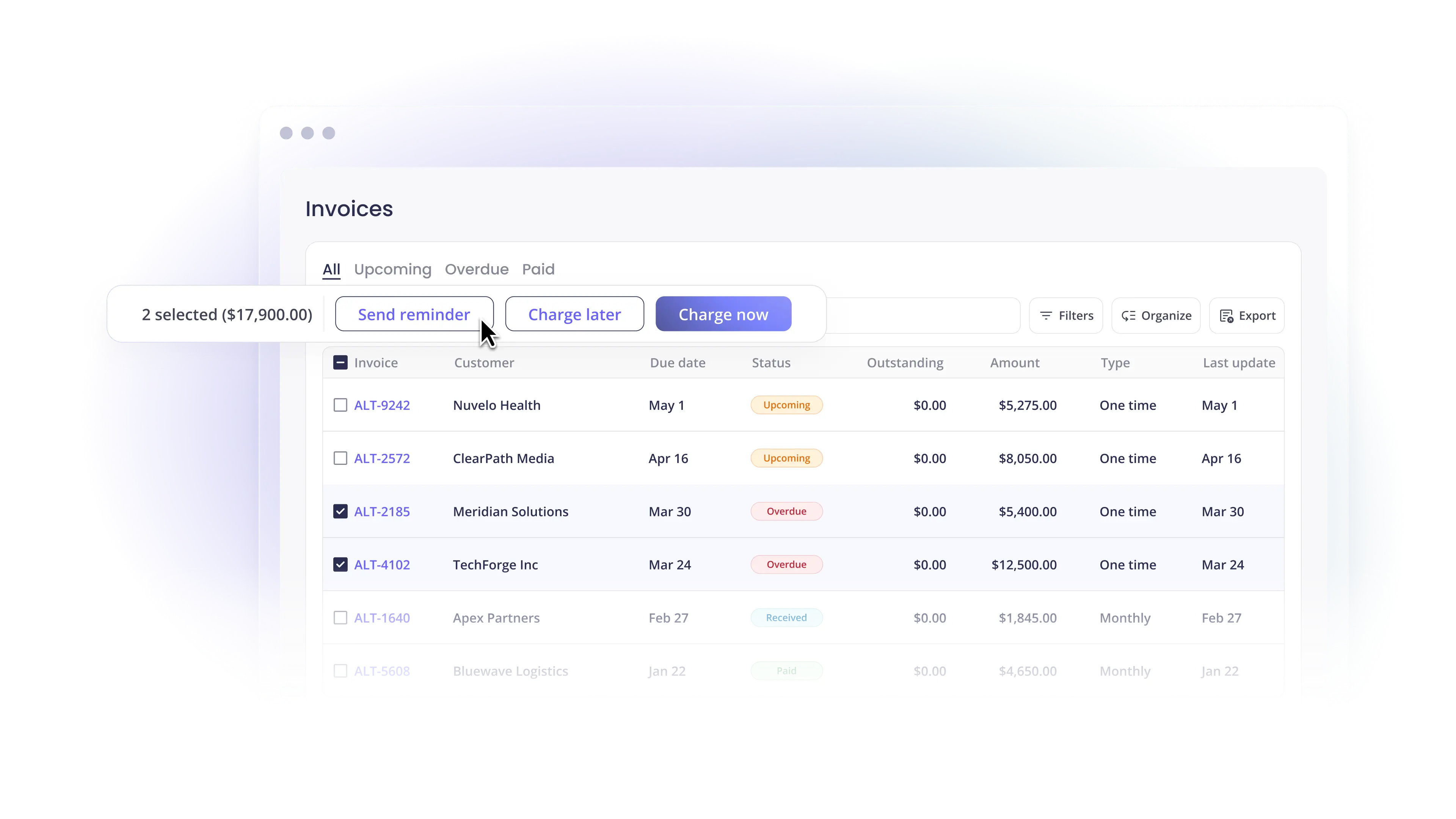
AR follow-up automation. Overdue invoices trigger automated reminder sequences and escalation workflows that run without manual initiation. Your billing team handles exceptions, not routine follow-up across the entire client book.
When all five operate automatically, billing becomes a background function. When any stage requires manual intervention, that stage becomes a recurring drain on staff capacity.
How the Integration Works for Each Major PSA
ConnectWise PSA
ConnectWise has a strong agreement engine that generates invoices from recurring service agreements, time entries, and project milestones. The PSA does not natively process payments, reconcile deposits, or handle collections follow-up.
A native ConnectWise integration pulls invoices from ConnectWise automatically, collects payment via ACH or card, and pushes payment status back to ConnectWise in real time. Reconciliation data posts to QuickBooks or Xero automatically. Contract changes in ConnectWise reflect in the billing workflow without requiring a manual resync.
Autotask PSA
Autotask handles invoice generation and contract management within the Kaseya IT Complete ecosystem. Like ConnectWise, it does not natively handle payment collection, automated reminders, or GL reconciliation.
A native Autotask integration works the same way: invoice data flows in from Autotask, payments are collected, and settlement data flows back without manual intervention. The integration must be bidirectional and real-time to eliminate the manual bridging step that most Autotask MSPs currently own.
HaloPSA
HaloPSA has grown as a third major PSA option with a native QuickBooks Online sync. One configuration note: if the native QBO sync is active when a third-party payment platform connects, both syncs run simultaneously and create duplicate invoice data in QuickBooks. The native QBO sync should be disabled before connecting a dedicated payment platform to avoid this conflict.
Alternative Payments' HaloPSA setup documentation covers this specifically and walks through agreement subtype configuration so invoices sync automatically into the payment platform.
The Most Common Integration Failure Points
Four integration problems consistently derail MSP payment automation projects.
Middleware dependency. Integrations built on Zapier, generic APIs, or third-party connectors introduce failure points and maintenance overhead. When the PSA data structure changes, the connector breaks. Native integrations that sync directly between systems are more reliable.
Deposit-level reconciliation. If the integration posts payments to accounting as daily deposit totals rather than at the invoice level, the reconciliation step still requires manual matching. This is the most common source of unresolved manual billing work in MSP billing stacks that use payment platforms.
One-directional sync. Integrations that pull invoice data from the PSA but do not push payment status back require your team to manually update invoice status after payment. This adds a recurring step that scales with billing volume.
Missing HaloPSA coverage. Many payment platforms integrate with ConnectWise and Autotask but not HaloPSA. MSPs that use HaloPSA or plan to migrate to it need a platform that covers all three.
How Alternative Payments Handles PSA Integration
Alternative Payments integrates natively with ConnectWise, Autotask, and HaloPSA. The integration is bidirectional and real-time: invoices flow from the PSA to the payment platform automatically, and payment status flows back without manual entry. Settlement data posts to QuickBooks Online, QuickBooks Desktop, or Xero at the invoice level, with fee separation and correct GL mapping.
ACH carries no per-transaction fee. Card includes built-in surcharging compliance. Collections Assist handles automated follow-up on overdue invoices. Setup completes in 1 to 3 business days for the PSA connection, and 5 to 10 business days for full configuration including accounting mapping and auto-pay rules.
Book a demo to walk through how the integration connects to your specific PSA environment and accounting stack.
Simplify your customer payments, unlock instant cash flow
Keep reading
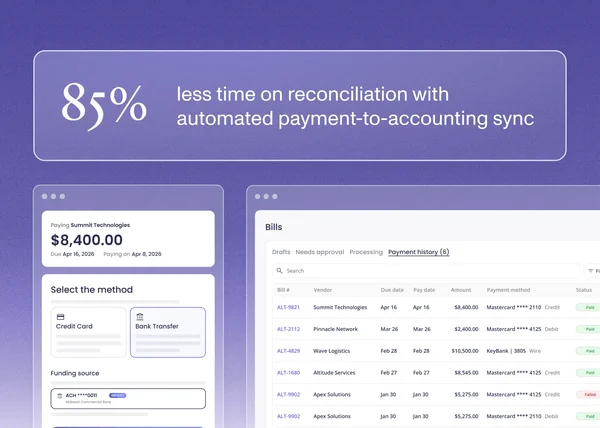

How B2B Service Businesses Automate Payment Reconciliation With Accounting Software