•
IT Services
•
Automate Accounts Receivable
•
Collections
•
Reduce DSO
•
Accounting
•
Security
June 23, 2026
HaloPSA Integration: What MSPs Need to Know in 2026
What Is HaloPSA Integration and Why MSPs Need It
HaloPSA integration is the connection between HaloPSA and the external tools MSPs depend on for billing, accounting, payments, RMM, and documentation, established through native connectors that allow data to flow automatically between systems without manual export, re-entry, or middleware.
HaloPSA has grown rapidly as an alternative to ConnectWise and Autotask. According to HaloPSA official documentation (2025), the platform serves more than 100,000 users across over 50 countries and offers more than 200 native integrations covering billing, accounting, RMM, documentation, quoting, and more. For MSPs, that integration ecosystem is where the platform delivers its operational value.
The distinction between native integrations and third party connectors matters significantly at scale. A native HaloPSA integration syncs data bidirectionally in real time: a ticket completed in HaloPSA updates the invoice status, a payment collected through an external platform updates the invoice as paid, and reconciliation entries post to QuickBooks automatically. A third party connector, whether built on Zapier or a generic middleware tool, typically imports totals on a schedule, breaks when data structures change, and creates reconciliation gaps that compound over months.
For MSPs evaluating HaloPSA integration for payments specifically, the question to ask is not whether a tool claims to integrate with HaloPSA. It is whether the integration is native, bidirectional, and covers the full lifecycle from invoice creation through payment collected and reconciliation posted.
HaloPSA Payment Processing: Connecting Your Revenue Streams
HaloPSA handles invoice creation, contract management, and ticketing well. The gap appears after the invoice exists. HaloPSA does not natively process payments, auto-charge stored client payment methods, or reconcile collected funds back to accounting. That gap between invoice created and cash reconciled is where most MSPs using HaloPSA lose time and cash flow predictability.
The manual payment entry problem is the most visible. When clients pay outside an integrated checkout, someone on your team manually marks the invoice as paid in HaloPSA, records the payment in QuickBooks, and reconciles the deposit to the bank feed. Across 50 or 100 clients paying on different schedules, that manual loop runs constantly and consumes hours that are not billable.
Cash flow delays compound the problem. When there is no automated reminder sequence or auto pay enrollment connected to HaloPSA invoices, collection depends entirely on the client noticing the invoice and acting on it. Some do. Others need a follow up. And the clients who learn that late payment carries no automatic consequence tend to develop that as a habit.
Client payment friction is the third layer. When clients receive an invoice from HaloPSA but need to pay through a generic or unbranded processor portal, the experience creates hesitation. The link does not look like your MSP. Clients email to confirm it is legitimate. Payment sits pending while trust is verified.
Alternative Payments solves all three by connecting natively to HaloPSA: invoices sync automatically, clients pay through a branded self service portal, auto pay charges stored methods on schedule, and payment status updates back to HaloPSA in real time. Unlike generic payment tools that treat each invoice as a standalone transaction, Alternative Payments maintains the contract context from HaloPSA throughout the payment lifecycle.
HaloPSA QuickBooks Integration: Automating Your Financial Workflow
HaloPSA QuickBooks sync is one of the most frequently requested integration workflows for MSPs on the platform. The official HaloPSA and QuickBooks integration allows MSPs to move billable work to the invoice stage and push invoice data into QuickBooks, reducing manual re-entry and keeping billing records aligned between the PSA and accounting system.
When an invoice is generated in HaloPSA and synced to QuickBooks, payment terms configured in QuickBooks can be applied to set the invoice due date automatically. This means the billing timeline is consistent across both systems without manual date entry on each invoice. According to the Alternative Payments HaloPSA integration documentation, QuickBooks payment terms selected in HaloPSA sync back to the payment platform, enabling contract-based auto pay rules that trigger on the correct due date.
A common sync conflict to be aware of: if your HaloPSA instance has the native QuickBooks Online invoice sync enabled and you connect a third party payment platform, running both syncs simultaneously can cause duplicate or conflicting invoice data. The Alternative Payments HaloPSA setup guide specifies that the native QBO sync must be disabled before connecting Alternative Payments to avoid this issue.
Best practices for HaloPSA QuickBooks sync: always ensure invoices in HaloPSA have unique invoice numbers before syncing, since payment matching relies on those identifiers. Configure your chart of accounts mapping in QuickBooks before the first sync so payments post to the correct accounts automatically. Run a manual reconciliation check on the first billing cycle after connecting to verify that payment records are posting with full invoice level detail rather than as lump sum deposits.
When the HaloPSA QuickBooks integration is running correctly through a dedicated payment platform, every payment collected maps to the right invoice in HaloPSA, updates the invoice status in real time, and posts to QuickBooks automatically with fee separation and correct GL mapping. The month end reconciliation step that currently consumes hours becomes a verification step that takes minutes.
Setting Up HaloPSA Integrations: Step-by-Step Implementation
Setting up HaloPSA payment integration is straightforward when the payment platform has a native connector and clear setup documentation. The prerequisites and sequence matter more than the technical complexity.
1. Confirm prerequisites. Ensure your HaloPSA instance is on a plan that supports external integrations and that you have admin access to Configuration settings. Confirm that invoices in HaloPSA are consistently assigned unique invoice numbers, since payment matching across systems relies on those identifiers.
2. Disable the native QBO sync if applicable. If you currently use HaloPSA's built-in QuickBooks Online sync, disable it before connecting to a dedicated payment platform. Running both simultaneously creates duplicate invoice data. Navigate to Configuration in HaloPSA and disable the native sync before proceeding.
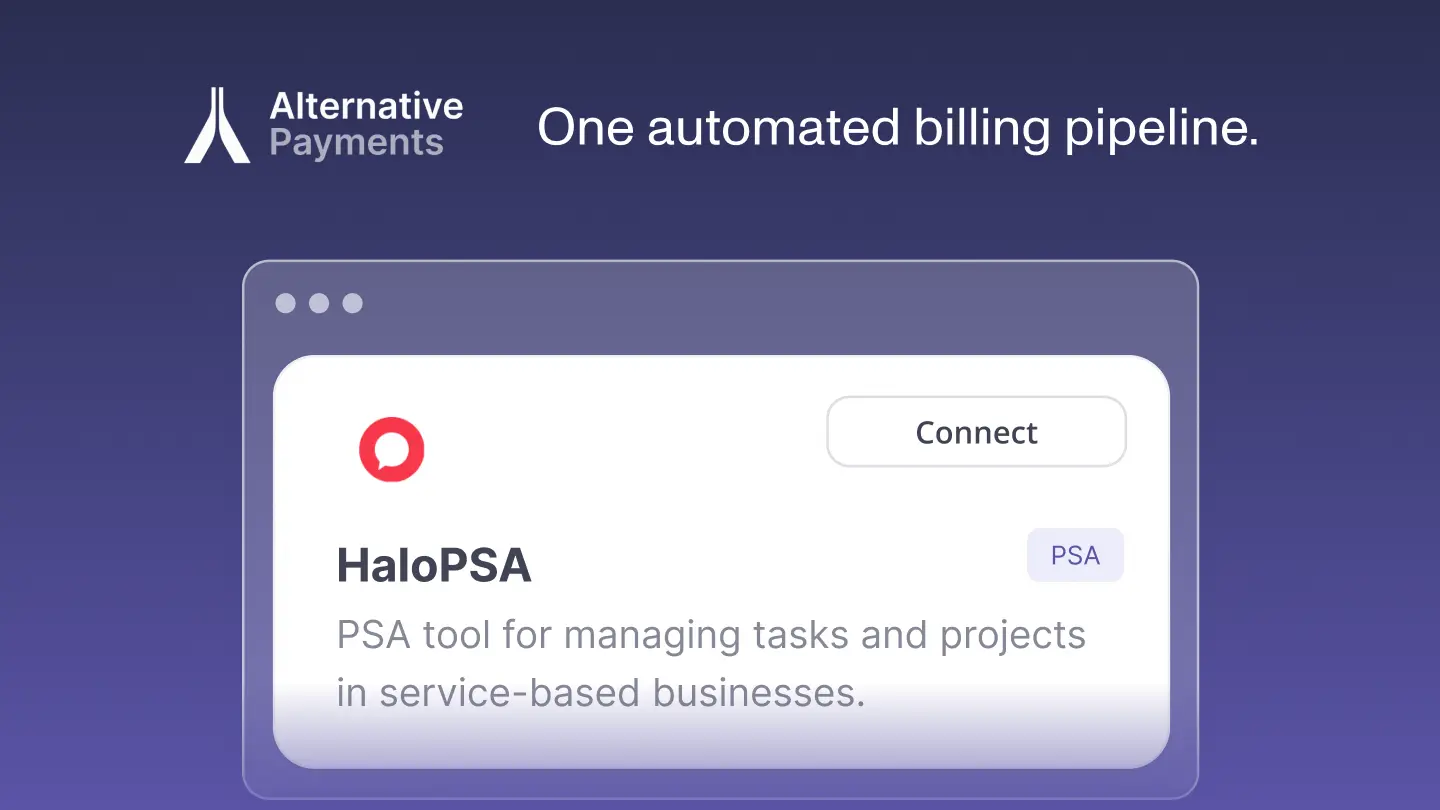
3. Connect the payment platform. In the Alternative Payments Partner dashboard, click Connect within the HaloPSA module and enter your HaloPSA credentials. The native connector installs without middleware and typically goes live within one to three business days.
4. Configure agreement subtypes. In HaloPSA, navigate to Configurations > Agreements and set up your agreement subtypes. Invoices associated with these agreement subtypes will sync automatically into Alternative Payments, where you can configure contract-based auto pay rules.
5. Configure QuickBooks mapping and auto pay rules. Map your HaloPSA invoice items to the correct QuickBooks accounts. Set up auto pay rules in the payment platform with billing cycle timing and retry logic for failed transactions.
6. Pilot and verify. Select 5 to 10 clients for the first billing cycle. Confirm that invoice status updates correctly in HaloPSA after payment and that reconciliation entries post to QuickBooks with full invoice level detail. Expand to your full client book after the pilot cycle validates the workflow.
The full setup timeline for a native integration is typically five to ten business days from connection to first automated billing cycle. Middleware-dependent implementations take significantly longer and require ongoing maintenance.
HaloPSA Integration Challenges and How to Overcome Them
Even with a native integration, a small number of configuration issues appear consistently across HaloPSA MSP deployments. Knowing them in advance prevents the majority of setup delays and post-launch reconciliation problems.
Duplicate Invoice Data from Running Two Syncs Simultaneously
The most common issue: MSPs connect a payment platform without disabling HaloPSA's native QuickBooks sync first. Both syncs push invoice data to QuickBooks, creating duplicate records that require manual cleanup. Prevention is straightforward: disable the native sync before connecting the payment platform as described in the setup section above.
Missing Invoice Numbers Causing Matching Failures
If HaloPSA invoices do not have unique invoice numbers, the payment platform cannot reliably match incoming payments to the correct invoices. This results in unmatched transactions that require manual resolution. Audit your HaloPSA invoice configuration before the first sync to ensure every invoice is assigned a unique identifier.
Chart of Accounts Mapping Errors
When the chart of accounts mapping between the payment platform and QuickBooks is not configured correctly before the first sync, payments post to default or incorrect GL accounts. This creates reconciliation errors that are time-consuming to correct retroactively. Configure and verify account mapping during setup, before the first live billing cycle, by running a test payment through the system and confirming it posts to the correct account.
Agreement Subtype Configuration Gaps
Invoices that are not associated with a properly configured agreement subtype in HaloPSA may not sync into the payment platform automatically. Before rollout, navigate to Configurations > Agreements in HaloPSA and confirm that all active agreement subtypes are properly set up. Invoices associated with those subtypes will then sync automatically and be eligible for contract-based auto pay rules.
Auto Pay Rules Not Triggering on the Correct Date
If payment terms in QuickBooks do not match the auto pay rules configured in the payment platform, charges may not trigger on the expected due date. Verify that the setting in HaloPSA to use QuickBooks payment terms for invoice due dates is enabled, and confirm that the auto pay configuration in Alternative Payments references the same terms. Manual sync capability is available for HaloPSA users who need to trigger a sync outside the automatic schedule.
Measuring ROI from Your HaloPSA Integration Investment
The return on a HaloPSA payment integration is measurable across four dimensions. Tracking these metrics for the first 90 days after implementation gives a clear picture of what the integration has delivered and where further optimization is available.
Days Sales Outstanding (DSO).
DSO measures how long it takes to collect payment after an invoice is issued. Track this weekly for the first 90 days. MSPs implementing auto pay and automated reminders through Alternative Payments report DSO reductions of 40% or more within the first few billing cycles. The baseline to beat: the industry average for professional services sits at 30 to 60 days.
Manual hours reclaimed.
Count the hours your team currently spends on payment follow up, manual invoice marking, bank feed matching, and month end reconciliation. After integration, reconciliation and payment matching happen automatically. Most MSP finance teams report reclaiming 5 to 8 hours per week from these tasks within the first month.
Overdue invoice rate.
Track the percentage of invoices that go past due before and after integration. Auto pay enrollment and automated reminder sequences typically reduce overdue invoice rates by more than half within two to three billing cycles, particularly for clients who were previously late due to friction rather than intent.
Billing accuracy.
Count month end reconciliation exceptions before and after integration. When payments map automatically to invoices at the point of collection, manual matching errors drop to near zero. Track the number of unmatched transactions requiring manual resolution as a proxy for billing accuracy improvement.
HaloPSA Integration Is the Foundation, Not the Ceiling
HaloPSA integration connects the billing and service delivery data your MSP already generates to the payment and accounting systems that need it. When that connection is native and bidirectional, the manual steps disappear: invoices sync automatically, payments collect on schedule, reconciliation posts without human triage, and your AR metrics reflect reality in real time.
Alternative Payments is the payment layer built specifically for this workflow. Native HaloPSA integration with no middleware. Auto pay, ACH with no transaction fees, surcharging compliance, and Collections Assist for automated AR follow up. QuickBooks and Xero reconciliation that posts at the invoice level automatically. Setup in one to three business days.
FAQs: HaloPSA Integration
Q: How does HaloPSA integrate with payment processors?
A: HaloPSA integrates with payment processors through native connectors that sync invoice data bidirectionally. When a client pays through the connected payment platform, the payment status updates in HaloPSA automatically and reconciliation entries post to your accounting system without manual input. Alternative Payments connects natively to HaloPSA, pulling invoices, collecting payments via ACH and card, and pushing settlement data back in real time. According to the Alternative Payments HaloPSA setup guide, agreement subtypes configured in HaloPSA sync automatically and support contract-based auto pay rules.
Q: Can HaloPSA sync automatically with QuickBooks?
A: Yes. HaloPSA has a native QuickBooks integration that syncs invoice data and supports the use of QuickBooks payment terms to set invoice due dates in HaloPSA. For MSPs connecting a dedicated payment platform, the native QBO sync should be disabled first to avoid duplicate invoice data. Alternative Payments then handles the full sync: invoices from HaloPSA push to the payment platform, payments collect automatically, and reconciliation entries post to QuickBooks with invoice level detail and correct GL mapping.
Q: What are the costs of HaloPSA integration setup?
A: HaloPSA itself does not charge a separate fee for integration access on supported plans. The cost of a dedicated payment platform integration depends on the platform chosen. Alternative Payments operates on a flat monthly fee with no per transaction charges and no ACH fees, which keeps integration cost predictable regardless of billing volume. Setup typically takes one to three business days for the native connection and five to ten business days for full configuration including QuickBooks mapping and auto pay rules. There are no custom development or middleware fees required.
Simplify your customer payments, unlock instant cash flow
Keep reading