•
Automate Accounts Receivable
•
Accounting
•
IT Services
•
Reduce DSO
•
Mid-market
May 22, 2026
Best Accounts Payable Automation Software for Mid-Market Service Businesses
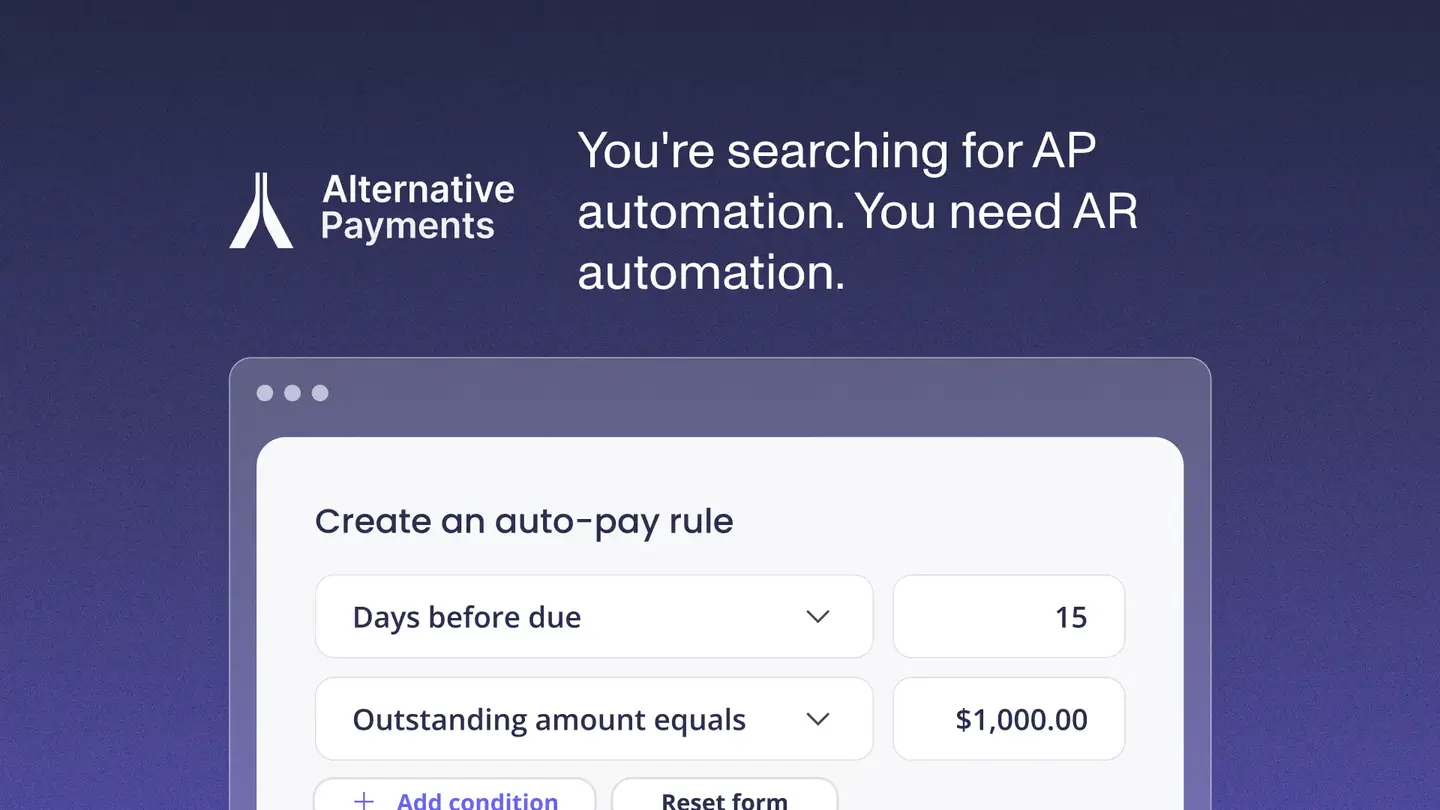
Mid-market service businesses searching for accounts payable automation software often discover they have been looking for the wrong thing. The confusion is understandable. AP and AR automation both involve invoices, payments, and accounting systems. But AP automation handles money flowing out to vendors, while AR automation handles money flowing in from clients. For MSPs, telecom companies, and accounting firms that live on recurring revenue, the more pressing workflow problem is almost always on the receivable side.
This guide explains the real difference between accounts payable and accounts receivable software, maps out the platforms that matter in each category, and identifies how to evaluate both for a recurring-revenue service business.
The Core Distinction: AP vs. AR Automation
Accounts payable automation software handles the workflow for paying vendors. It automates invoice capture, approval routing, payment scheduling, and vendor communication. The problem it solves is efficiency on outbound cash flow: reducing the cost and time of processing bills your business owes.
Accounts receivable software handles the workflow for collecting from clients. It automates invoice delivery, payment reminders, ACH and card collection, and reconciliation back to your accounting system. The problem it solves is speed and reliability on inbound cash flow: getting paid faster and with less manual follow-up.
MSPs and service firms that search for "AP automation software" because they have a billing or collections problem are looking in the wrong category. Their actual pain, late client payments, manual reconciliation, and hours spent on follow-up, is an AR problem.
Accounts Payable Automation: What It Is and When You Need It
AP automation software is relevant when your business processes a significant volume of vendor invoices and the manual handling of those invoices is a meaningful cost. The average manual cost to process a single vendor invoice runs around $15, according to published industry benchmarks. For businesses processing hundreds of vendor invoices per month, AP automation can deliver real savings.
The leading AP automation platforms in the mid-market segment include:
- Bill.com (BILL) — the most widely deployed AP automation tool for SMBs and mid-market businesses. Handles invoice ingestion, approval workflows, and payment scheduling. Integrates with QuickBooks, Xero, and Sage. Best fit for businesses with high vendor invoice volume and multi-step approval requirements.
- Tipalti — purpose-built for companies making high-volume international payments, including contractor and vendor payouts across multiple currencies and payment methods. Best fit for businesses with global payment complexity.
- AvidXchange — focused on mid-market and enterprise AP automation, with strong ERP integrations. Best fit for businesses running NetSuite, Sage Intacct, or Microsoft Dynamics.
- Stampli — AP automation with an emphasis on collaboration and approval workflow. Integrates with a wide range of ERPs. Best fit for teams that need multi-department invoice approval visibility.
- Ramp — combines AP automation with corporate card management and expense tracking. Best fit for businesses that want to consolidate AP and expense workflows.
For most MSPs and service firms, vendor invoice volume is not the primary billing problem. They have a relatively small number of recurring vendor relationships and a much larger and more complex client billing workflow. If the business processes fewer than 50 vendor invoices per month, AP automation is unlikely to deliver the ROI that AR automation would.
Accounts Receivable Software: What It Is and When You Need It
AR automation software is relevant when your business sends recurring invoices to clients, experiences late payments, spends significant time on follow-up, or has difficulty reconciling collected payments to your accounting system.
There are three categories of AR software that service businesses encounter:
General-purpose AR automation platforms
Tools like Gaviti, YayPay (Quadient Accounts Receivable), and Upflow were built for finance teams managing high invoice volumes in manufacturing, wholesale, or SaaS. They offer strong dunning workflows, aging dashboards, and collector task management. They do not natively integrate with PSA tools like ConnectWise or Autotask, and they do not include payment collection, so a separate processor is still required.
Accounting software payment features
QuickBooks Payments and Xero's payment tools handle basic invoice delivery and payment acceptance. They do not automate reminder sequences across large client books, do not integrate natively with PSA tools, and do not support surcharging or client-facing financing. For small client books, they are sufficient. For MSPs billing 50 or more clients, the manual follow-up overhead and missing PSA connection become limiting.
Purpose-built MSP and service business payment platforms
This category was designed specifically for the billing model that MSPs and service firms operate on. Platforms here connect natively to PSA tools (ConnectWise, Autotask, HaloPSA), collect via ACH and card, automate reminders across all client accounts, and reconcile every payment back to QuickBooks or Xero at the invoice level. Alternative Payments sits in this category.
How to Evaluate Both Categories for a Service Business
For a service business evaluating AP and AR software, the evaluation criteria differ significantly between the two categories.
For AP automation, the key questions are: How many vendor invoices do you process per month? What is the current cost in staff hours? Do you have multi-step approval requirements? Which ERP or accounting system does the tool need to connect to? The ROI calculation is straightforward: current processing cost minus automated processing cost, net of platform fee.
For AR automation, the key questions are: Does the platform integrate natively with your PSA? Does it reconcile at the invoice level or at the deposit level? Does it support ACH without per-transaction fees? Does it automate reminders across your full client book without manual initiation? Does the client-facing portal carry your brand?
For most MSPs and service firms, the AR automation evaluation matters more than the AP evaluation because the billing problem is on the inbound side. Choosing the right AR platform has a direct impact on DSO, overdue invoice rates, and the manual hours your finance team spends each month.
Where Alternative Payments Fits
Alternative Payments is an AR automation and payment platform built for U.S. and Canadian service businesses running on recurring revenue. It is not an AP automation tool. It connects natively with ConnectWise, Autotask, and HaloPSA, collects via ACH and card through a white-label client portal, and reconciles every payment back to QuickBooks or Xero automatically.
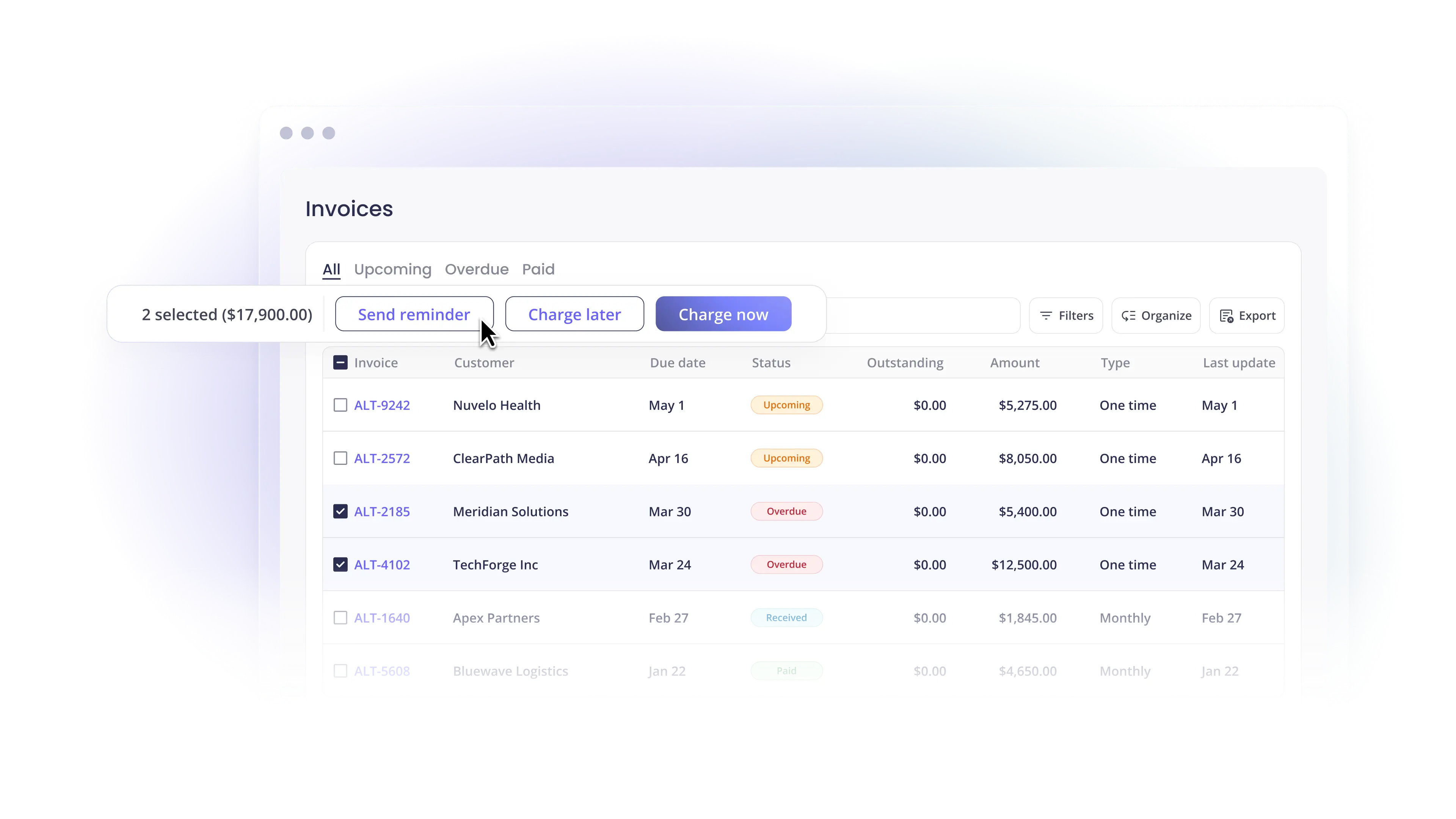
ACH has no per-transaction fee. Built-in surcharging handles card fee passthrough. Collections Assist automates follow-up on overdue invoices. Client-facing financing supports installments and B2B BNPL. Pricing is a flat monthly fee.
MSPs on the platform see overdue invoices drop from 20.5% to 6.7% and reach an average DSO of 5 days, based on Alternative Payments impact data.
If the billing problem your business is trying to solve is on the receivable side, book a demo to see how Alternative Payments connects to your PSA and accounting stack.
Simplify your customer payments, unlock instant cash flow
Keep reading


ConnectWise QuickBooks integration: what a complete payment workflow should cover

NetSuite payment gateways: an enterprise MSP buyer's framework