•
Accounting
•
Professional Services
•
Security
April 22, 2026
What Percentage Does QuickBooks Charge for Credit Card Processing?
QuickBooks Credit Card Processing Rates
The actual QuickBooks credit card processing rates as of 2025 are:
- Online invoices: 2.99% per transaction
- Keyed-in transactions: 3.5% + $0.15 per transaction
- Swiped/tapped/dipped card (QuickBooks GoPayment): 2.5% per transaction
- ACH bank transfers: 1% per transaction, capped at $10 per transaction
These rates apply to QuickBooks Online Payments. QuickBooks Desktop has slightly different rate structures depending on the subscription and transaction type.
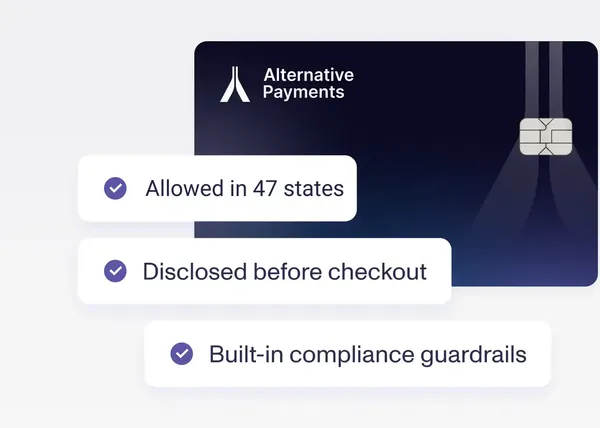
For context on how these rates compare to purpose-built MSP and accounting firm payment platforms, Alternative Payments charges no per-transaction ACH fee and standard card processing rates with surcharging available, where the MSP or accounting firm can pass card fees to clients in states where it is legally permitted.
When QuickBooks Payments Makes Sense and When It Doesn't
QuickBooks Payments is a reasonable starting point for small accounting firms or MSPs with a limited client base and straightforward billing. The native integration with QuickBooks Online removes the need for a separate payment platform, and for businesses billing fewer than 30 to 40 clients, the manual steps around reconciliation and follow-up are manageable.
The ceiling appears at scale. As the client book grows, the following limitations become structural rather than occasional inconveniences:
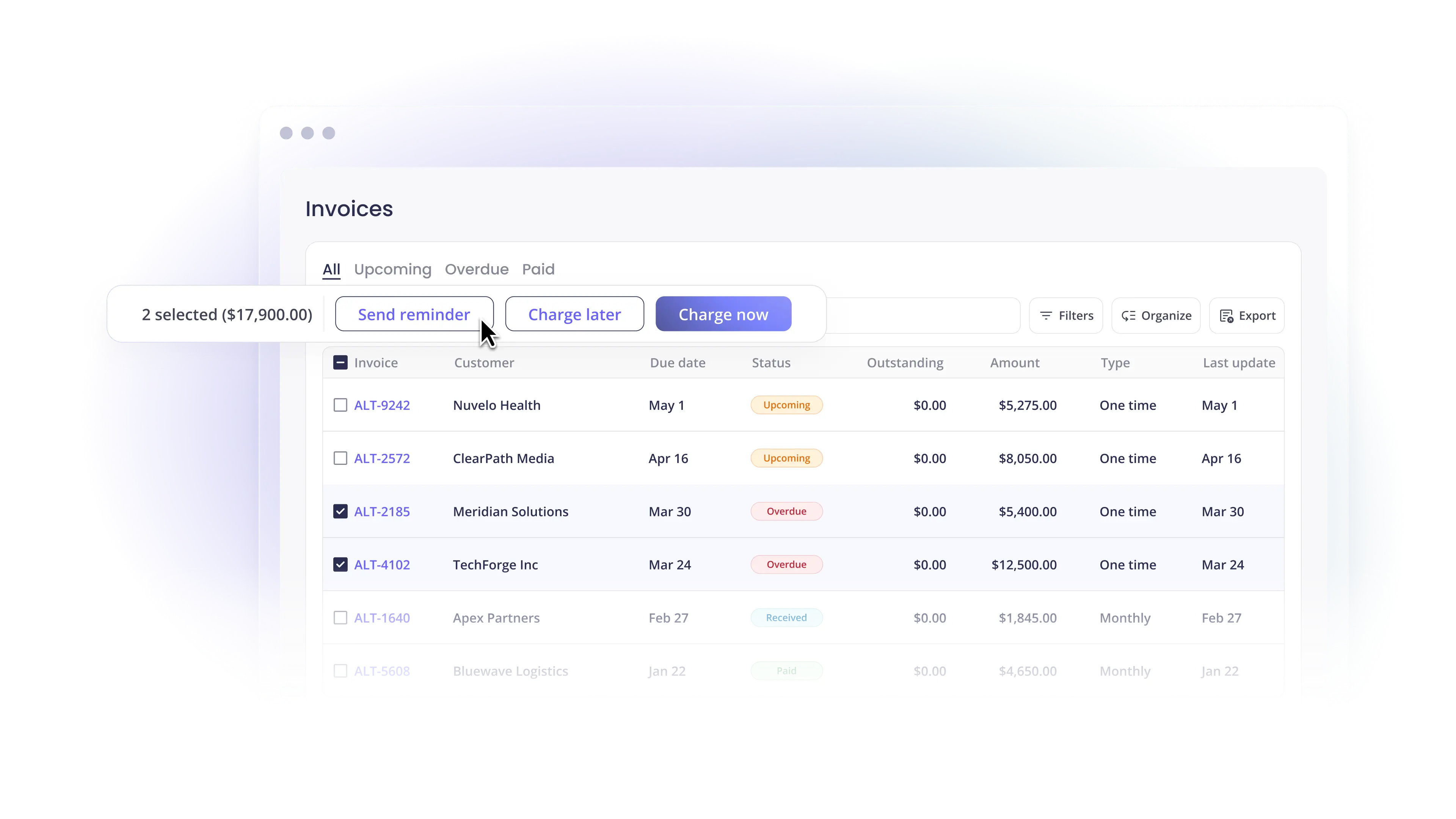
Reminder caps. QuickBooks Online limits how many automated reminders can run simultaneously across active AR accounts. For firms managing 50 or more clients on recurring retainers, some accounts consistently receive less follow-up than others, creating uneven payment behavior across the book.
Reconciliation depth. QuickBooks Payments posts payments to QuickBooks automatically when clients pay through the QuickBooks Online portal, but payments made via bank transfer or other methods still require manual matching. At scale, this matching consumes significant staff time.
No surcharging. QuickBooks Payments does not natively support surcharging, which means accounting firms and MSPs absorb the full card processing cost rather than passing it through to clients who pay by card.
No client self-service portal. QuickBooks sends payment links for individual invoices, but clients do not have a persistent portal where they can view invoice history, manage payment methods, or enroll in auto-pay for future invoices.
No collections escalation. When invoices go past due despite reminders, QuickBooks Payments does not include a structured escalation workflow. Your team handles each overdue account manually.
Alternative Payments vs. QuickBooks Payments: What Changes
Alternative Payments connects natively to QuickBooks Online, QuickBooks Desktop, and Xero. It is not a replacement for QuickBooks as your accounting system. It is a payment and AR automation layer that adds capabilities QuickBooks Payments does not include.
Key differences in practice:
Reconciliation. Alternative Payments posts every payment to the correct invoice in QuickBooks automatically, with fee separation and correct GL mapping, regardless of whether the client pays via ACH, card, or another method. QuickBooks Payments only auto-reconciles payments made directly through the QuickBooks portal.
ACH fees. QuickBooks Payments charges 1% per ACH transaction, capped at $10. Alternative Payments charges no per-transaction ACH fee. For an MSP processing 100 ACH transactions per month at an average of $1,500 per invoice, QuickBooks Payments charges $100 in ACH fees versus $0 with Alternative Payments.
Auto-pay management. Alternative Payments handles bulk auto-pay enrollment, payment method updates, retry logic for failed charges, and client re-enrollment after method changes, all automatically. QuickBooks Payments requires more manual management of each of these steps.
Collections automation. Collections Assist in Alternative Payments runs configurable reminder and escalation sequences across every client account without your team initiating each action. QuickBooks Online's reminder system is capped and does not include escalation automation.
Client portal. Alternative Payments provides a white-labeled self-service portal where clients can view invoices, manage payment methods, and enroll in auto-pay. QuickBooks Payments sends per-invoice payment links without a persistent client portal.
Frequently Asked Questions
What are the current QuickBooks credit card processing fees?
As of 2025, QuickBooks Online Payments charges 2.99% for card payments on online invoices, 3.5% + $0.15 for keyed-in card transactions, 2.5% for swiped card transactions, and 1% (capped at $10) for ACH bank transfers. QuickBooks Desktop rates vary by subscription and plan.
Is QuickBooks Payments good for MSPs?
QuickBooks Payments works for MSPs with smaller client books and straightforward billing. As the client base grows and billing complexity increases (recurring agreements, per-seat billing, multi-method payment preferences, and the need for consistent AR follow-up across all accounts), the limitations around reconciliation depth, ACH fees, reminder caps, and missing features like surcharging and client self-service become more significant.
Can MSPs pass credit card fees to clients through QuickBooks?
Not natively. QuickBooks Payments does not support surcharging. MSPs that want to pass card processing fees to clients in states where surcharging is legal need a payment platform with built-in surcharging compliance. Alternative Payments includes surcharging as a native feature, with automatic jurisdiction compliance based on client billing address.
How does Alternative Payments integrate with QuickBooks?
Alternative Payments integrates natively with QuickBooks Online, QuickBooks Desktop, and Xero. When a client pays, the payment maps to the originating invoice in QuickBooks, the invoice marks as paid, the GL entry posts automatically with fee separation, and no manual matching is required. The integration works for all payment methods, ACH, card, and client-facing financing, not just payments made through the QuickBooks portal.
Simplify your customer payments, unlock instant cash flow
Keep reading
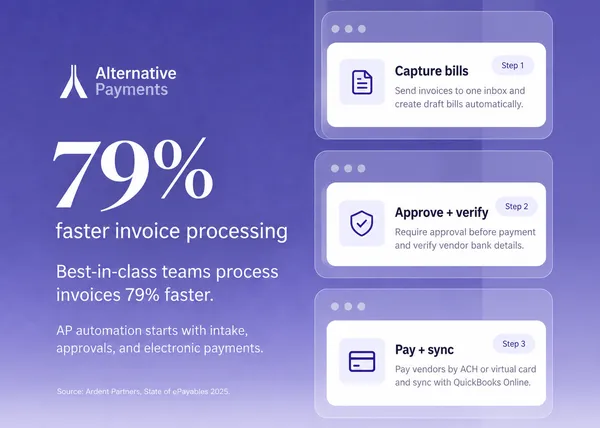

AP Automation Software for Mid-Market Service Companies: What to Automate First