•
IT Services
•
Automate Accounts Receivable
•
Reduce DSO
•
Collections
•
Accounting
May 5, 2026
How MSP Recurring Payment Management Is Changing MSP Operations
The MSP Challenge: One Person Handling Everything
Most MSPs start with one person managing billing alongside everything else. Invoices go out from ConnectWise or Autotask. Payment reminders get sent manually. Deposits arrive and someone matches them to invoices before the month closes. The system works, until the client book grows past 30 or 40 accounts and the manual billing work starts competing with actual client work for attention.
The question is not whether to automate. It is which platform to use and how to avoid the integration problems that derail MSP billing automation projects before they deliver value.
This guide covers the recurring billing setup that actually works for MSPs, including the PSA integration requirements that separate functional platforms from ones that create new problems.
What Recurring MSP Billing Actually Requires
Recurring billing for MSPs is not the same as recurring billing for a SaaS company. The billing source of truth is the PSA, not a CRM or billing database. Invoices pull from service agreements that change month to month as devices are added or removed, projects are completed, and per-seat counts shift. A payment platform that does not understand this model will require manual adjustments every billing cycle.
The minimum requirements for recurring MSP billing automation:
- Native PSA integration: ConnectWise, Autotask, or HaloPSA, depending on your environment. Native means bidirectional and real-time, not a batch import that runs once a day.
- Auto-pay with retry logic: stored payment methods charged on schedule, with automatic retries for failed transactions and client notification when a method expires or fails.
- ACH support without per-transaction fees: ACH is the right default for recurring MSP billing because it costs less than card and settles predictably. Per-transaction ACH fees compound at volume.
- Automatic GL reconciliation: every payment maps to the originating invoice and posts to QuickBooks or Xero without manual matching.
- Automated reminders: configurable reminder sequences that run across every client account without requiring your team to initiate each one.
The PSA Integration Problem MSPs Keep Running Into
The most common reason MSP billing automation projects stall is PSA integration failure. MSPs connect a payment platform, discover that the integration is one-directional or middleware-dependent, and end up with a system that reduces some manual work but does not eliminate the reconciliation step.
The distinction between a native PSA integration and a bolt-on connector determines how much manual work remains after setup.
A native, bidirectional integration provides:
- Invoice data flowing from PSA to payment platform automatically, with full line-item detail rather than just totals.
- Payment status updating back to the PSA in real time, so invoice status is always current without manual entry.
- Contract changes in the PSA reflecting immediately in the billing workflow without requiring resync.
A bolt-on connector typically provides:
- Batch imports of invoice totals, without line-item detail.
- Manual status updates or delayed syncs back to the PSA.
- Breakage when PSA data structures change, requiring maintenance to restore the connection.
The practical test: ask any payment platform vendor whether their integration is bidirectional and real-time. Then ask whether payment status updates push back to the PSA automatically or require manual action. The answers tell you whether you are looking at a native integration or a connector with a native integration label.
Setting Up Recurring Billing for MSPs: A Practical Sequence
Here is the setup sequence that works for MSPs transitioning from manual billing to automated recurring collection.
Step 1: Connect the PSA. Do not start by configuring payment methods or setting up the client portal. The PSA connection is the foundation. Everything downstream depends on invoice data flowing correctly from the PSA.
Step 2: Map chart of accounts. Before the first payment posts, confirm that your accounting system mapping is configured correctly. Fixing GL mapping after payments have posted requires retroactive corrections that are time-consuming and error-prone.
Step 3: Pilot with 5 to 10 clients. Choose a representative mix of contract sizes and payment method preferences. Run two full billing cycles. Verify that invoice status updates correctly in the PSA after payment and that reconciliation posts accurately to QuickBooks or Xero.
Step 4: Enroll clients in auto-pay. After the pilot validates the workflow, send auto-pay enrollment invitations to the broader client base. Clients with stored payment methods move off manual collection entirely.
Step 5: Configure reminder sequences. Set up automated reminders for accounts not on auto-pay. Configurable escalation sequences that run without manual initiation cover the gap for clients who pay manually.
Step 6: Monitor exceptions. After full rollout, the billing workflow runs in the background. Your team's job shifts from initiating collection actions to reviewing exceptions, specifically failed auto-pay attempts, clients who do not respond to reminders, and reconciliation discrepancies.
How Alternative Payments Addresses the MSP Recurring Billing Stack
Alternative Payments was built for US and Canadian MSPs running on recurring revenue. The platform connects natively with ConnectWise, Autotask, and HaloPSA, collects via ACH with no per-transaction fee and card with built-in surcharging compliance, and reconciles every payment to QuickBooks or Xero at the invoice level automatically.
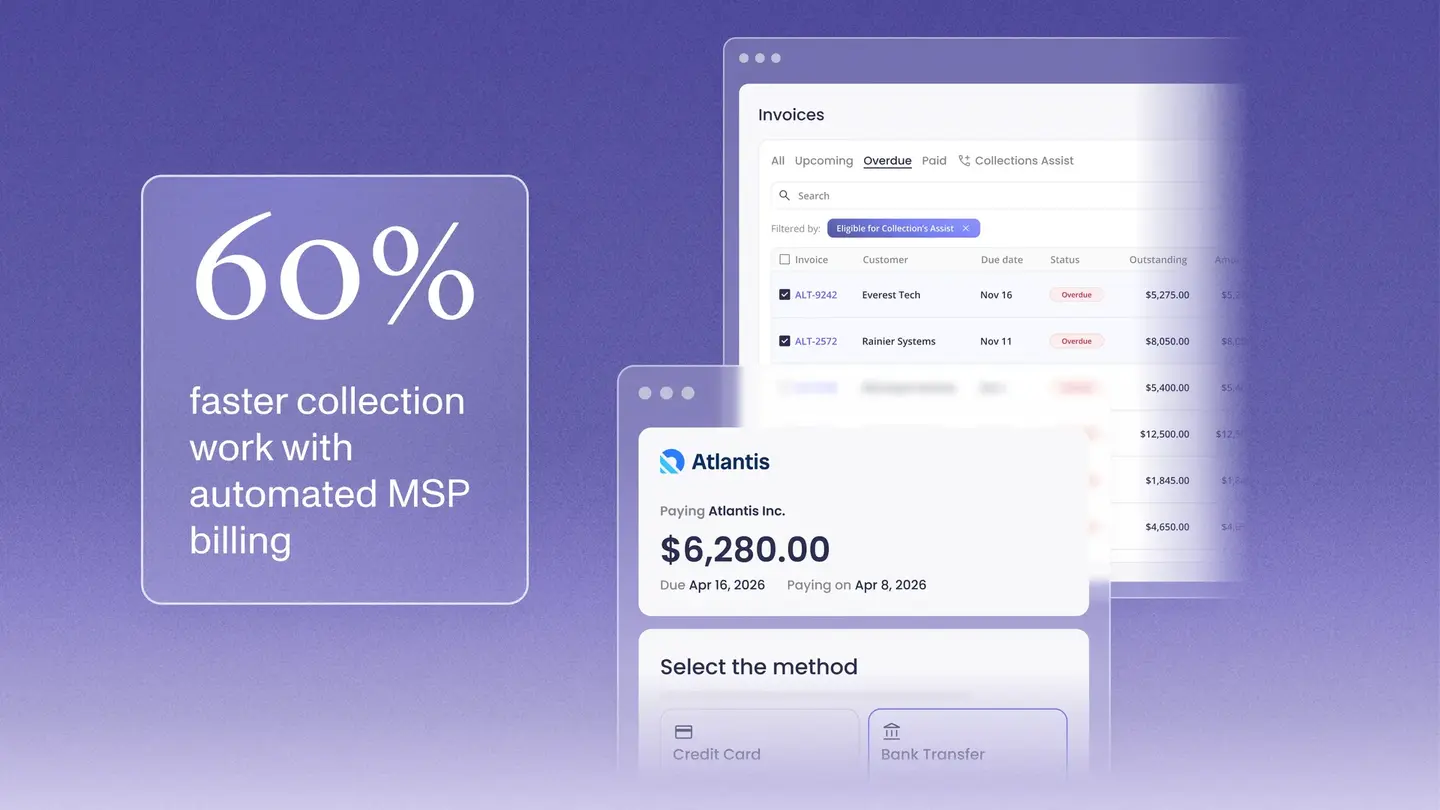
Collections Assist handles automated reminders and AR follow-up without your billing team initiating each action. The client portal is white-labeled. Setup completes in days, and the pilot sequence above typically takes one to two full billing cycles to validate before full rollout.
MSPs on the platform reduce overdue invoices from 20.5% to 6.7% and reach an average DSO of 5 days, based on internal platform data.
Book a demo to see how recurring billing connects to your specific PSA environment and accounting stack.
Simplify your customer payments, unlock instant cash flow
Keep reading


Introducing Alti, Financial Intelligence Put to Work for Service Businesses
September product updates: Alti is changing how you manage business finances