•
IT Services
•
Automate Accounts Receivable
•
Collections
•
Accounting
•
Security
May 12, 2026
ACH vs Checks: Which Is Right for Your MSP?
ACH vs Checks: The Direct Answer for MSPs
For most MSPs, ACH is better than checks for collecting client payments. ACH transfers cost less per transaction, arrive faster, and eliminate the manual handling that makes check processing a recurring time sink. The comparison is not close once you factor in the full cost of check-based collections.
That said, the right answer depends on your client mix, billing volume, and whether you have the payment infrastructure to support ACH at scale. This guide breaks down both methods, runs the numbers, and explains what MSPs actually need to make ACH work correctly.
The Real Cost of Check-Based MSP Billing
Checks carry costs that rarely show up in a single line item but compound quickly across a full client book.
Processing time: someone has to receive, log, deposit, and reconcile each check. For an MSP processing 50 checks per month, that process easily runs 4-6 hours of staff time. According to the Federal Reserve Payments Study (2024), the average cost to process a B2B check, including labor, fraud risk, and float, is approximately $8 to $12 per transaction. At 50 checks per month, that is $400 to $600 in operational cost before accounting for the value of the time spent.
Float time: checks typically take 2 to 5 business days to clear. For MSPs with tight cash flow or vendor payment obligations tied to collection cycles, that delay matters. A client who mails a check on the 30th may not fund your account until the 5th or 6th of the following month.
Error rate: checks are more susceptible to processing errors than electronic transfers. Wrong amounts, illegible signatures, missing information, and insufficient funds returns all require manual intervention and delay payment further.
Lost and stolen checks: unlike ACH, there is no electronic paper trail until the check is deposited. A check lost in the mail requires a stop payment and reissuance, which adds 1-2 weeks to collection time and incurs bank fees on both sides.
ACH for MSP Billing: What It Actually Requires
ACH is not just a payment method. It is a workflow that requires the right infrastructure to run correctly. Here is what MSPs need to make ACH work at scale.
Written Authorization
Before initiating any ACH debit from a client's bank account, you need written authorization. This is a NACHA requirement, not a best practice. The authorization must specify the account to be debited, the authorization for recurring charges, and the right to cancel. A purpose-built payment platform handles this as part of auto-pay enrollment. Manual ACH setups require you to collect and store this documentation yourself.
Bank Account and Routing Information
ACH requires the client's bank account number and routing number. Collecting and storing this information creates security obligations. PCI-equivalent controls for banking data are not legally required in the same way card data is, but the risk of a breach is real. The correct approach is to use a payment platform that tokenizes bank account data, so you never store raw banking credentials in your own systems.
NACHA Compliance
NACHA Operating Rules govern all ACH transactions in the United States. For MSPs, the key rules concern return rate thresholds (keep unauthorized returns under 0.5% and administrative returns under 3%), authorization requirements, and proper handling of failed transactions. Violations can result in your ODFI (originating depository financial institution) suspending your ACH access. A payment platform that manages NACHA compliance on your behalf is worth significantly more than its monthly cost.
Retry Logic and Failed Payment Handling
ACH returns happen. Insufficient funds, closed accounts, and incorrect account information all generate returns. Without a system that handles retries automatically, your team ends up manually tracking which clients had failed ACH attempts and following up individually. A purpose-built payment platform handles retry logic, client notification, and exception surfacing automatically.
ACH vs. Checks: Side-by-Side Comparison
Here is how the two methods compare across the dimensions that matter for MSP billing.
Cost per transaction: ACH typically costs $0.25 to $1.00 per transaction through a purpose-built platform with no per-transaction ACH fee. Checks cost $8 to $12 when you include labor, float, and error handling. The difference is decisive at any meaningful billing volume.
Settlement time: ACH settles in 1 to 3 business days for standard ACH, or the same day for same-day ACH. Checks take 2 to 5 business days to clear after deposit, plus mailing time.
Auto-pay support: ACH supports stored payment methods and automatic recurring charges. Checks require client action every billing cycle.
Reconciliation: ACH payments can be automatically matched to invoices and posted to accounting systems when processed through a platform with native PSA and accounting integration. Checks require manual deposit and matching.
Fraud risk: ACH carries lower fraud risk than checks for recurring B2B transactions. Check fraud is the most common form of payment fraud in the United States, according to the AFP 2024 Payments Fraud and Control Survey, with 65% of organizations reporting check fraud attempts in 2023.
When Checks Still Make Sense
There are narrow scenarios where checks remain practical for MSPs. Clients who refuse to provide bank account information and are unwilling to use card may default to checks. Older clients with less digital infrastructure sometimes require check accommodation. In these cases, accepting checks for those specific accounts while running ACH for the rest of your book is a reasonable hybrid approach.
Checks also remain common for large, one-time project invoices where the client's AP department operates on a check-based workflow and the relationship value of accommodating their process outweighs the operational inconvenience.
The goal is not to eliminate checks entirely. It is to make them the exception rather than the default.
How Alternative Payments Handles ACH for MSPs
Alternative Payments supports ACH with no per-transaction fee as part of its flat monthly pricing. This makes the economics of ACH at scale predictable regardless of billing volume. The platform handles NACHA authorization as part of auto-pay enrollment, tokenizes bank account data so MSPs never store raw credentials, and manages retry logic for failed transactions automatically.
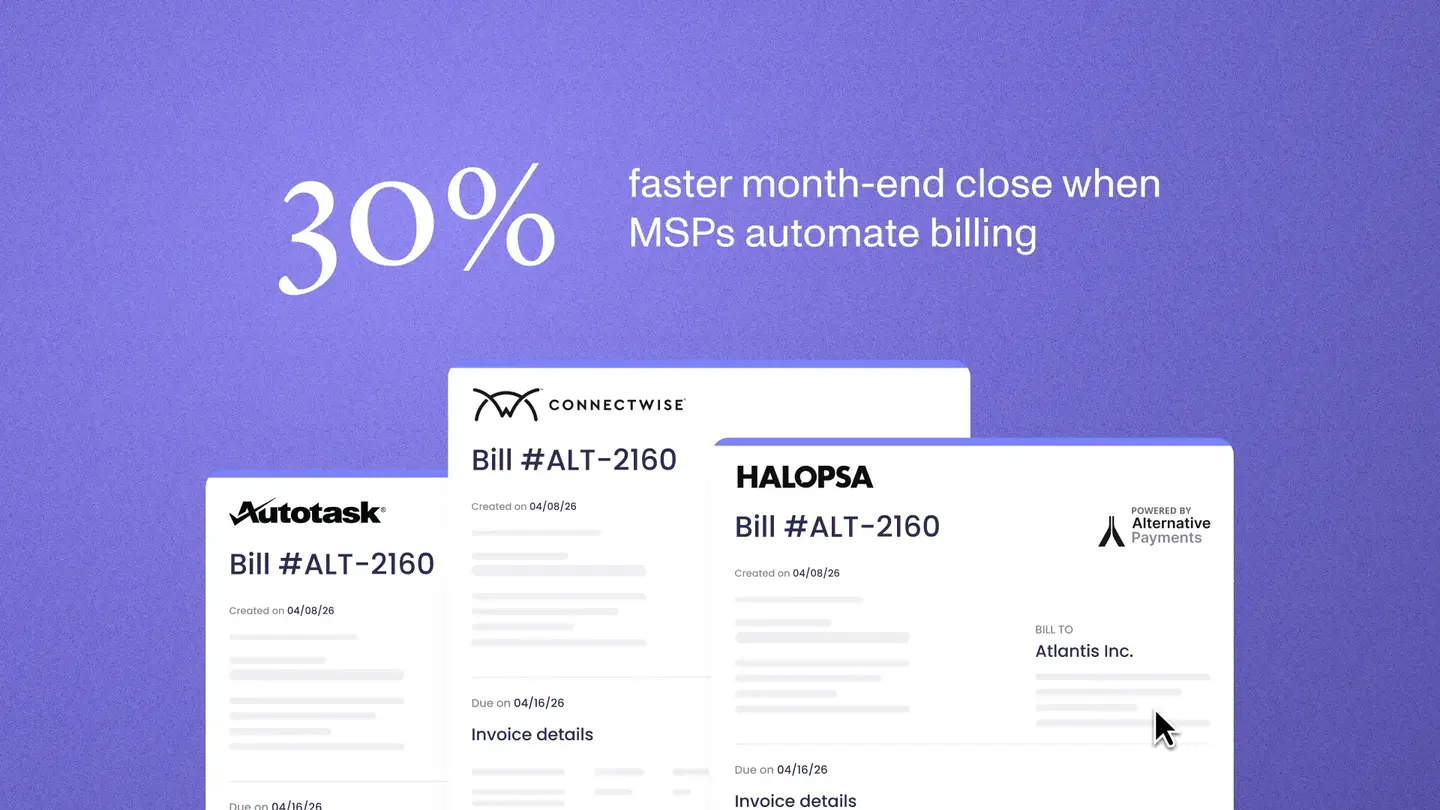
When a client's ACH payment clears, the transaction maps to the originating invoice in ConnectWise, Autotask, or HaloPSA and reconciles to QuickBooks or Xero without manual intervention. The entire cycle from invoice creation to reconciled deposit runs without your billing team touching a spreadsheet.
For MSPs running 50 or more clients on recurring contracts, that infrastructure difference is not incremental. It is the difference between billing operations that scale and ones that require headcount additions every time the client base grows.
Book a 20-minute demo to see how ACH auto-pay and automated reconciliation work with your specific PSA and accounting stack.
Frequently Asked Questions
Is ACH cheaper than accepting checks for MSP billing?
Yes, significantly. ACH through a purpose-built platform typically costs $0.25 to $1.00 per transaction. Processing checks costs $8 to $12 per transaction when you include labor, float, and error handling. The difference compounds quickly across a full client book.
What do I need to start collecting ACH payments from MSP clients?
You need written client authorization (required by NACHA), the client's bank account and routing information (handled through secure tokenization in a payment platform), and a system that manages NACHA compliance, retry logic, and reconciliation. A purpose-built MSP payment platform handles all three.
Can MSPs charge clients via ACH automatically every month?
Yes. Auto-pay with stored ACH payment methods allows MSPs to charge clients automatically on the billing cycle without client action each month. This requires written authorization at enrollment and a payment platform that manages the recurring charge schedule and handles failed payment retries.
Simplify your customer payments, unlock instant cash flow
Keep reading