•
Accounting
•
Automate Accounts Receivable
•
Reduce DSO
•
Collections
•
Professional Services
May 1, 2026
What Accounting Firms Need to Know in 2026

The Billing Problem Accounting Firms Will Not Talk About
Most accounting firms know they have a billing problem. They just do not talk about it the way they would discuss a technical shortfall in their advisory services. The problem shows up as a controller spending Friday afternoons matching bank deposits to QuickBooks invoices, or a partner doing follow-up calls on overdue retainers because no one else has time. It is structural, and the fix is integrating payments with QuickBooks in a way that closes the full billing loop automatically.
This guide covers what that integration actually requires, why most firms stop short of full automation, and how to implement a payment workflow that runs without manual intervention across every billing stage.
What QuickBooks Payment Integration Actually Means
QuickBooks payment integration is not a single thing. It is a spectrum, and where your current setup falls on that spectrum determines how much manual billing work remains in your workflow.
Level 1: QuickBooks Payments. The native payment tool within QuickBooks Online. Accepts ACH and card, sends payment links, and records payments automatically when made through the QuickBooks portal. Reconciliation is handled within QBO. Limitations: reminder cap on automated follow-up, no surcharging, no persistent client self-service portal, no collections escalation for overdue accounts.
Level 2: Third-party processor with accounting sync. Tools like Stripe or Square that connect to QuickBooks through an integration layer. Payments are accepted through a separate portal and synced to QuickBooks, typically as deposit records rather than at the invoice level. Reconciliation still requires manual matching unless the integration handles invoice-level posting.
Level 3: Purpose-built payment platform with native QuickBooks integration. Platforms designed for recurring service businesses that sync bidirectionally with QuickBooks at the invoice level, handle auto-pay enrollment and management, post every payment directly to the correct invoice, and include automated AR follow-up and collections escalation. This is the level at which manual billing work effectively disappears from your team's workload.
Most accounting firms are operating at Level 1 or Level 2 and experiencing the limitations of both. Moving to Level 3 does not require replacing QuickBooks. It requires adding a payment layer that connects to QuickBooks in a way the native tools and generic processors do not.
The Six Features That Matter for Accounting Firm Payment Integration
When evaluating a payment platform for accounting firm QuickBooks integration, six capabilities separate solutions that close the billing loop from ones that shift the manual work without eliminating it.
Invoice-level auto-reconciliation
The platform must post payments to QuickBooks at the invoice level, not as deposit entries. When a client pays, the payment should map to the specific invoice it covers, mark it as paid in QuickBooks, and post the GL entry automatically. Deposit-level reconciliation still requires someone to match each deposit to the correct invoices manually.
Auto-pay enrollment and management
Auto-pay enrollment should be client-initiated through a self-service portal, with the platform managing stored payment methods, retry logic for failed charges, and client notification when a method needs updating. Manual enrollment and manual retry handling are points where the automation breaks down and team time gets consumed.
Unlimited automated reminders across all accounts
QuickBooks Online's native reminder system caps how many accounts can run automated reminders simultaneously. A payment platform that handles reminders independently removes this cap and ensures every account in your book receives consistent follow-up regardless of size.
Surcharging compliance built in
For firms billing via card, surcharging passes the processing fee to the client. This is legal in 46 states but requires state-level compliance, network rule adherence, and transaction-level disclosure. Built-in surcharging compliance handles this automatically rather than requiring your team to monitor jurisdiction rules.
Trust accounting compliance
For firms handling client funds, the platform must support the separation of client funds from operating funds. Not all payment platforms support this. Confirm before committing.
Collections escalation for overdue accounts
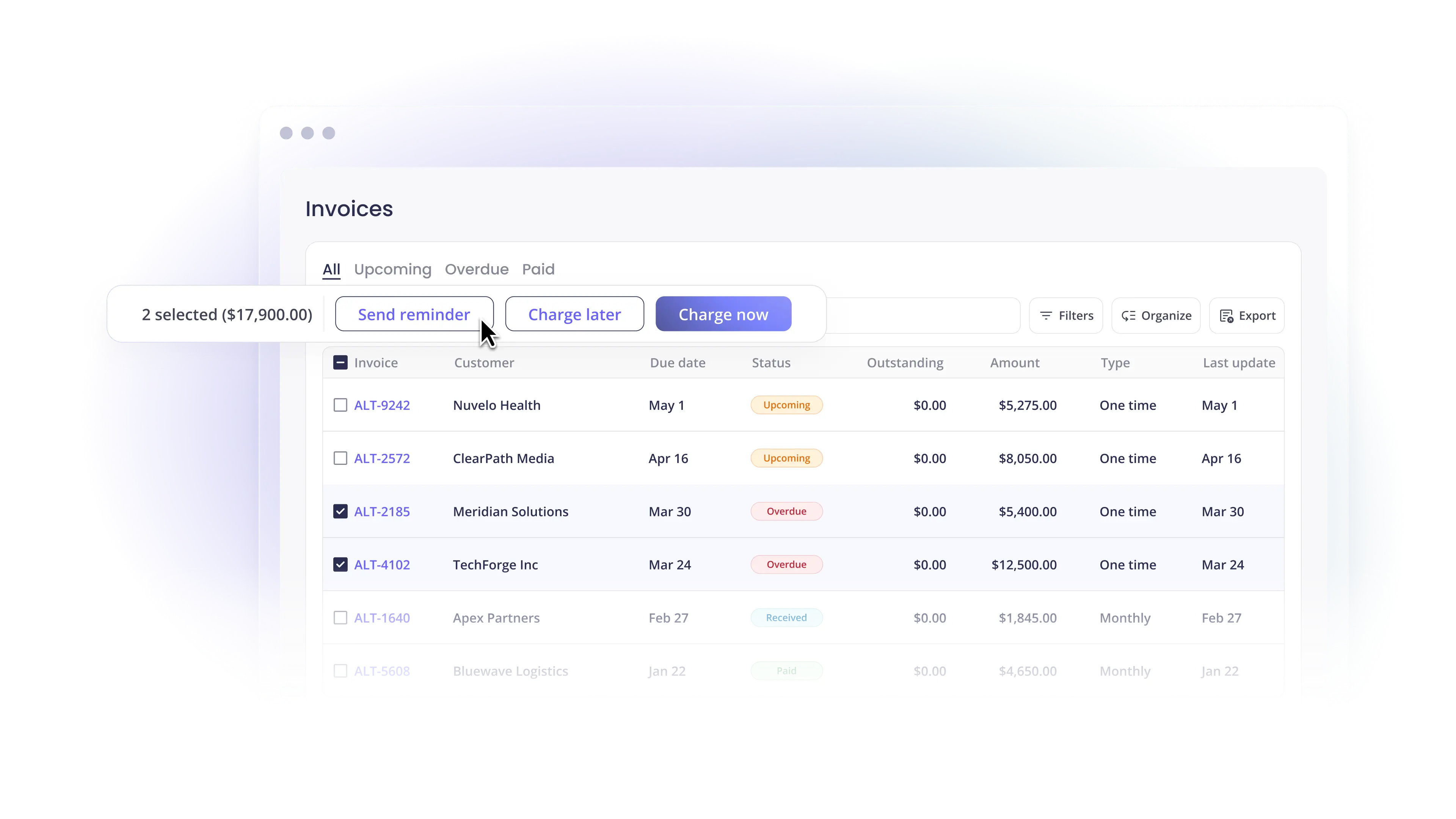
When invoices go past due despite reminders, a structured escalation workflow should activate automatically without requiring your team to manually flag each account. Collections Assist in Alternative Payments handles this as a built-in feature, not an add-on.
How Alternative Payments Integrates with QuickBooks
Alternative Payments integrates natively with QuickBooks Online, QuickBooks Desktop, and Xero. The integration is bidirectional: invoices sync in, payments and reconciliation data sync out. Every payment maps to the originating invoice and posts to the correct GL accounts automatically, including fee separation for processing costs.
The platform supports ACH with no per-transaction fee, card with built-in surcharging compliance, installment billing, and B2B buy now pay later through a single white-labeled client checkout. Collections Assist handles automated follow-up on overdue invoices without your team initiating each action.
For accounting firms managing the billing for both their own practice and their clients' businesses, Alternative Payments supports multi-entity structures where each entity maintains its own integrations, branding, and billing rules within the same platform.
Book a demo to walk through how QuickBooks integration works for your specific accounting stack and client billing structure.
Simplify your customer payments, unlock instant cash flow
Keep reading


ConnectWise QuickBooks integration: what a complete payment workflow should cover

NetSuite payment gateways: an enterprise MSP buyer's framework