•
Accounting
•
Automate Accounts Payable
•
Professional Services
April 9, 2026
A Practical Comparison: Best Accounts Payable Software for Accounting Firms in 2026
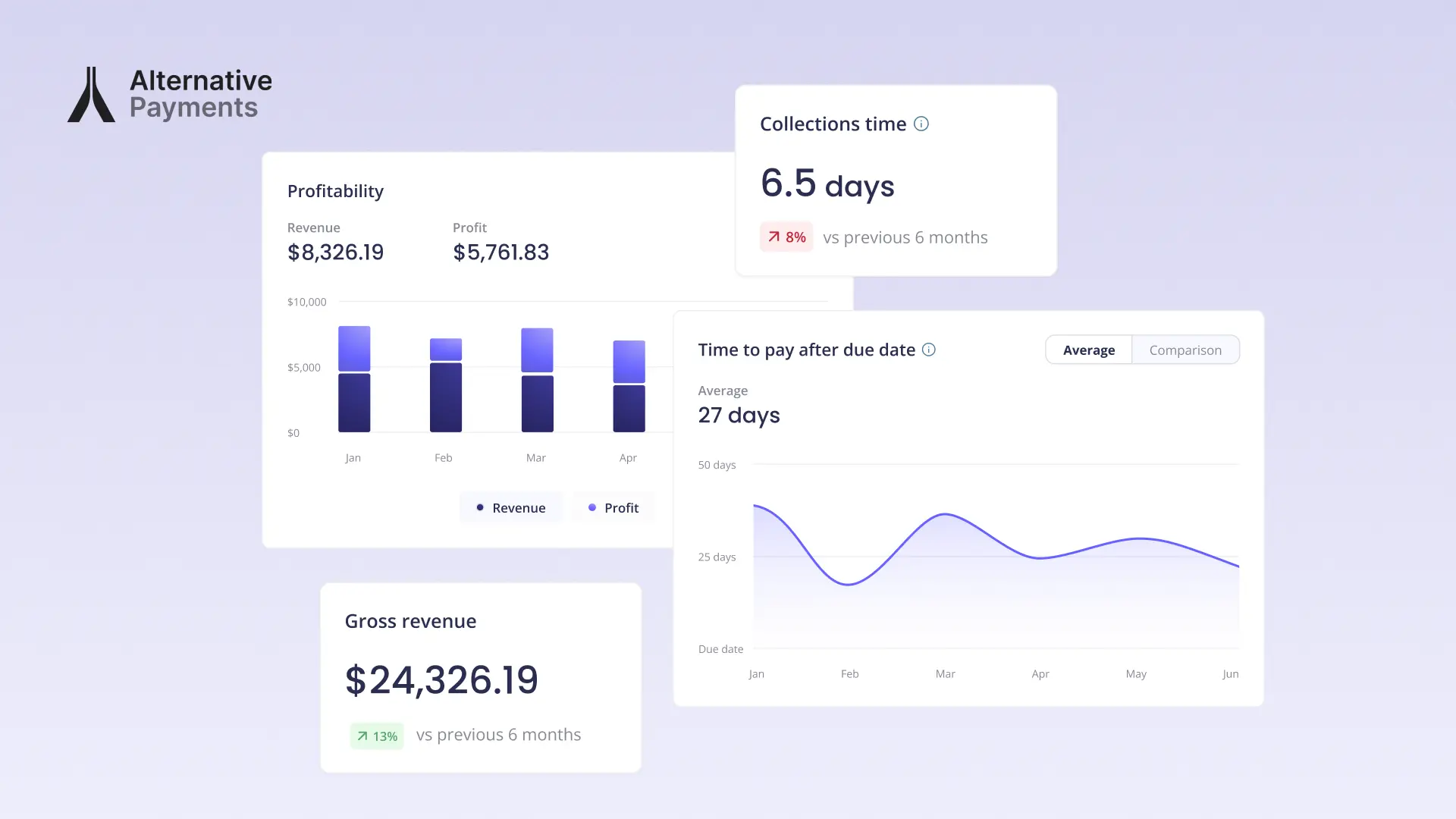
What CAS Accounting Firms Actually Need from an Integration
Before comparing accounts payable software, accounting firms need to define what actually matters in day-to-day operations.
Most comparison guides jump straight into feature lists. That approach misses the real problem. CAS accounting firms do not struggle because they lack features. They struggle because their workflows are fragmented.
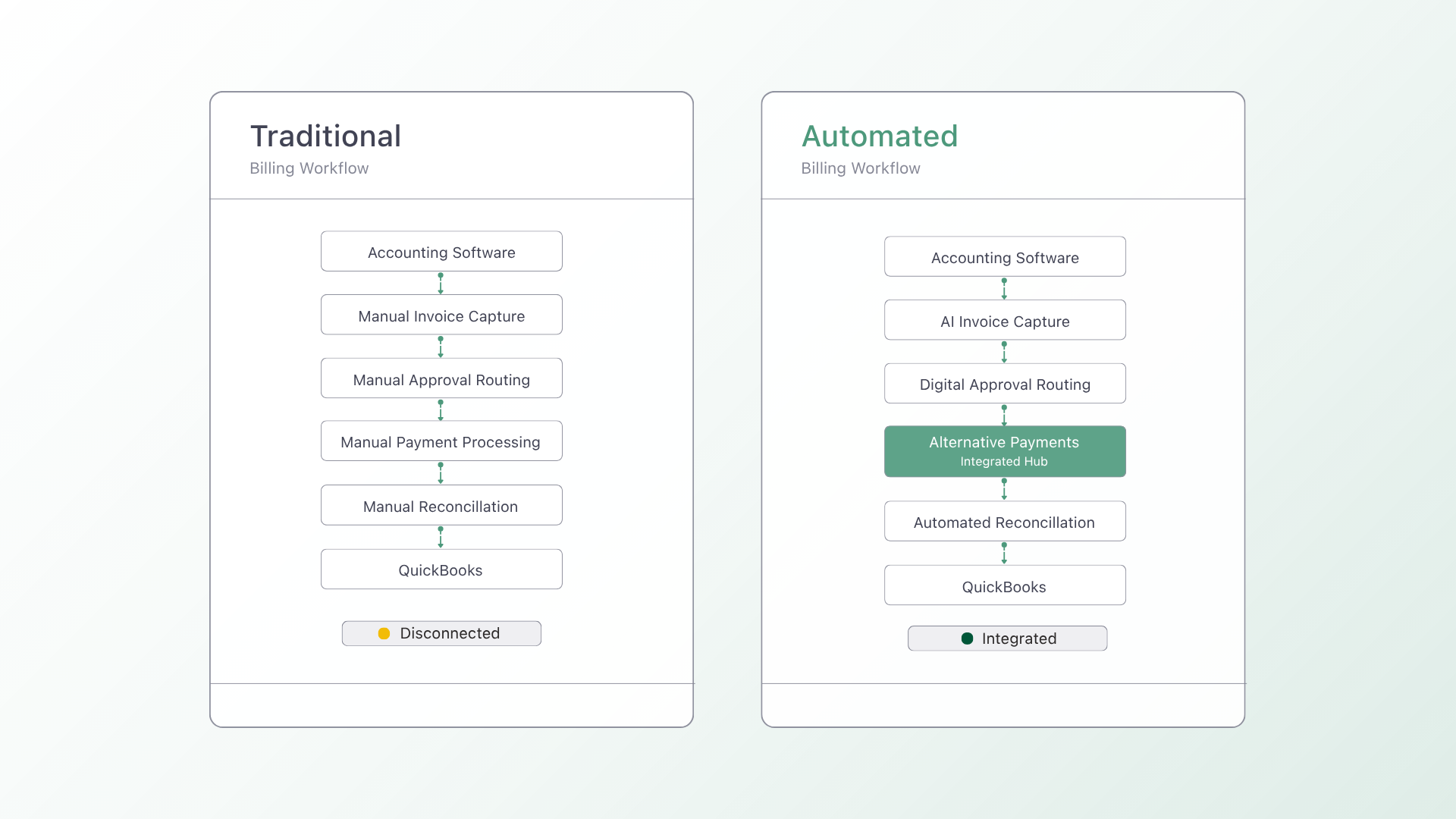
A typical firm might use QuickBooks Online for accounting, Bill.com for payables, Stripe for payments, and bank feeds for reconciliation. On paper, each tool works well. In practice, this setup creates operational friction.
For example, Bill.com sync noise often introduces reconciliation errors that take hours to untangle inside QuickBooks. At the same time, client payment data becomes scattered across QuickBooks Payments, Stripe, and bank feeds, leaving teams without a unified view of cash flow.
Instead of focusing on features, firms should evaluate tools using workflow-based criteria:
- Does this tool eliminate the workflow gaps that create rework?
- Does it centralize payment and billing data into one system?
- Does it integrate cleanly with QuickBooks or Xero without sync issues?
- Does it reduce manual reconciliation effort at month-end?
- Does it improve visibility into accounts receivable and cash flow?
These are the criteria that determine whether an accounts payable solution actually drives efficiency or simply adds another layer of complexity.
Accounts Payable Software Comparison: How Top Tools Stack Up
When conducting an accounts payable software comparison, four platforms consistently come up: QuickBooks Online, Xero, Bill.com, and Stripe. Each serves a different purpose, but not all are designed to solve the same operational problems.
QuickBooks Online
QuickBooks Online is the foundation for many accounting firms. It offers built-in invoicing and payment processing through QuickBooks Payments. While it provides strong accounting functionality, its payment workflows are limited. Firms often need to layer additional tools on top, which leads to fragmented systems and duplicated data.
Xero
Xero is known for its clean interface and strong integrations. It offers flexibility for firms that want to build a customized tech stack. However, similar to QuickBooks, Xero relies heavily on third-party tools for payments and advanced accounts payable workflows, which can introduce complexity.
Bill.com
Bill.com is designed specifically for accounts payable automation. It helps firms manage approvals, vendor payments, and invoice workflows. However, many firms report challenges with sync accuracy. The disconnect between Bill.com and QuickBooks can create reconciliation issues that require manual cleanup, especially at scale.
Stripe
Stripe is a powerful payment processor with strong API capabilities. It is highly flexible and widely used for online payments. The limitation for accounting firms is that Stripe is not built for accounting workflows. Payment data often lives outside the accounting system, requiring additional steps to reconcile transactions inside QuickBooks or Xero.
Where Alternative Payments Fits in This Accounts Payable Software Comparison
Alternative Payments is designed to solve the exact workflow gaps that these tools leave behind. Instead of adding another disconnected system, it integrates directly with QuickBooks to unify invoicing, payment processing, and reconciliation.
This makes it a strong contender in any accounts payable software comparison, especially for firms prioritizing clean data and operational efficiency. Firms can eliminate scattered payment data, reduce reconciliation errors, and gain a single source of truth for financial activity.
What Most Accounts Payable Software Comparison Posts Get Wrong
Most accounts payable software comparison articles focus on features. They highlight what each tool can do, but they ignore how those tools actually fit into a firm’s workflow.
For CAS accounting firms, the real question is not which platform has more features. The real question is which platform removes the most friction from daily operations.
Feature-heavy tools often look better on paper, but they can increase complexity if they do not integrate cleanly with existing systems like QuickBooks or Xero.
According to ConnectWise (2024), MSPs that automate billing and payment collection report 30 percent faster month-end close and significantly lower accounts receivable aging compared to firms using manual processes.
This highlights a key insight. The value of an accounts payable solution is not in its feature list. It is in how much time and effort it removes from your financial operations.
How to Evaluate for Your Firm Using This Accounts Payable Software Comparison
Every accounting firm has a different starting point. The right solution depends on the specific problems you are trying to solve.
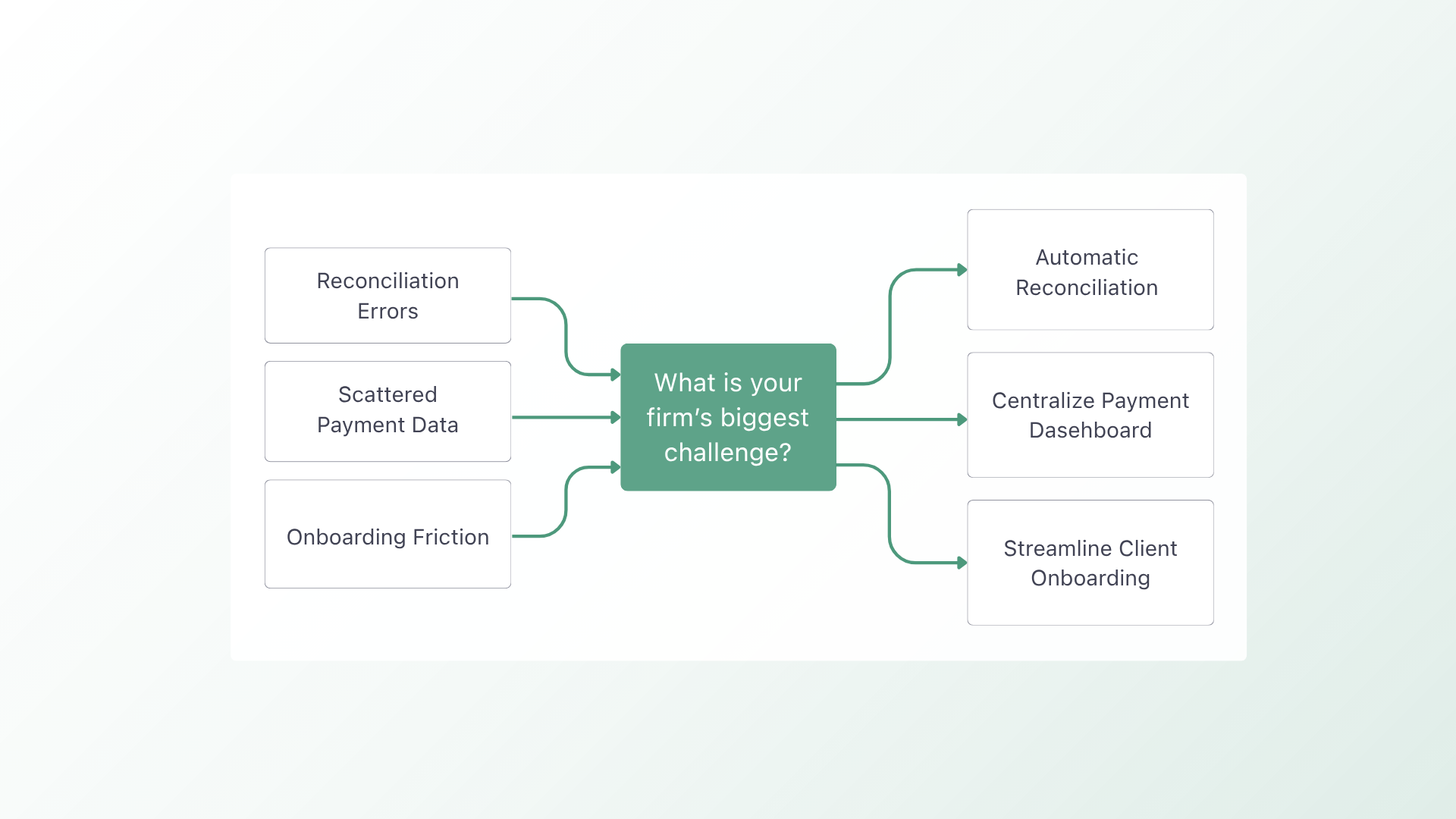
If your main issue is reconciliation errors caused by tools like Bill.com syncing inconsistently with QuickBooks, then your priority should be clean, native integration. Look for a solution that minimizes sync noise and keeps financial data aligned automatically.
If your challenge is scattered payment data across QuickBooks Payments, Stripe, and bank feeds, then you need a platform that centralizes payment activity. A unified system will give you better visibility into cash flow and reduce time spent tracking down transactions.
If your concern is the friction of adopting a new accounts receivable tool, including retraining staff and migrating client payment methods, then ease of implementation should be your top priority. Choose a solution that works within your existing QuickBooks or Xero environment rather than replacing it entirely.
The best outcome from any accounts payable software comparison is clarity. You should walk away knowing which solution removes your biggest operational bottleneck.
Choosing the Right Fit for Growth
Accounts payable software should simplify your operations, not complicate them. For accounting firms, the real advantage comes from reducing manual work, improving data accuracy, and gaining clear visibility into financial performance.
If your current stack creates reconciliation issues, scattered payment data, or unnecessary operational friction, it may be time to rethink your approach.
See how Alternative Payments fits into your CAS firm’s workflow. Book a 20-minute walkthrough and explore how a more unified payment system can support your growth.
Simplify your customer payments, unlock instant cash flow
Keep reading


ChatGPT for accounting vs. connected financial intelligence: Accurate live data is the difference-maker

Autotask QuickBooks integration: choosing a billing and payment operating model